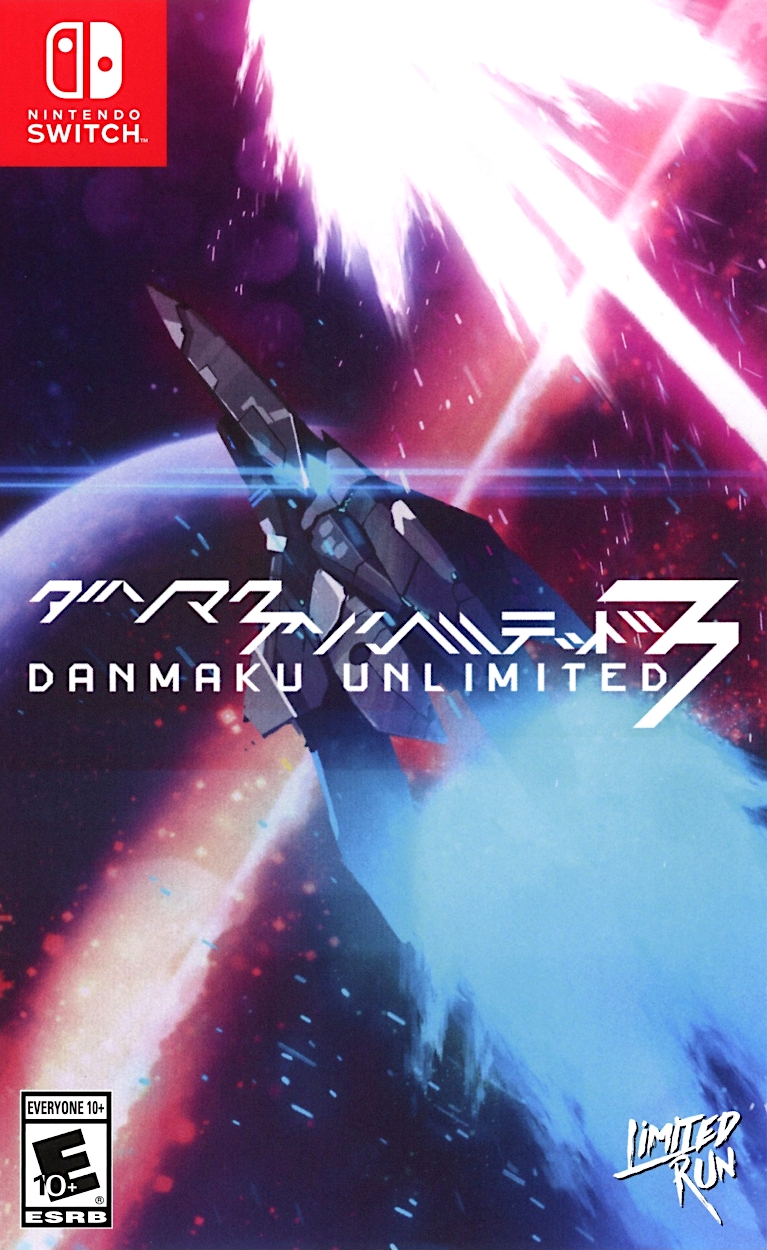
단마쿠 언리미티드 3 (Danmaku Unlimited 3)
Nintendo Switch · AYN Odin 2 Portal Max · Sudachi · 성능 등급 완벽
emulog 설정 해석
| 구성 | AYN Odin 2 Portal Max + Sudachi |
|---|---|
| 에뮬레이터 빌드 | Build c7431bd |
| 그래픽 드라이버 | Default System Driver |
| 기재된 설정 항목 | 17개 (기본값과 다르게 바꾼 항목 9개) |
| 성능 등급 | 완벽 |
기본값에서 조정된 항목: 정확도 수준, 평균 FPS, 디스크 셰이더 캐시, 독 모드, 드라이버 버전, 에뮬레이터 버전.
등급 판단 근거
이 게임에 등급이 기재된 보고 3건 가운데 이 조합보다 높은 등급은 0건(0%), 같은 등급은 2건입니다. 작성자 코멘트 원문은 532자입니다.
세팅값
| 항목 | 설정값 |
|---|---|
| 정확도 수준 | High |
| 비등방성 필터링 | Default |
| 안티앨리어싱 방식 | None |
| 오디오 출력 엔진 | Auto |
| 평균 FPS | 60FPS |
| CPU 정확도 | Auto |
| CPU 백엔드 | Native code execution (NCE) |
| 디스크 셰이더 캐시 | 켜짐 |
| 독 모드 | 켜짐 |
| 드라이버 버전 | Default System Driver |
| 에뮬레이터 버전 | Build c7431bd |
| GPU API | Vulkan |
| 해상도 | 1x (720p/1080p) Docked Mode ( Emulated via toggle switch) |
| 비동기 셰이더 사용 | 꺼짐 |
| 리액티브 플러싱 사용 | 꺼짐 |
| VSync 모드 | FIFO (On) |
| 창 적응형 필터 | Bilinear |
작성자 코멘트(인용)
아래 코멘트는 EmuReady 사용자가 작성한 원문이며, emulog 은 한국어 번역과 위 해석만 추가했습니다.
이 게임은 기본 시스템 GPU 드라이버 0.676.53 Qualcomm(기본 시스템 드라이버)만으로도 완벽히 실행됩니다. 더 강하게 밀어보고 싶다면 시도해도 되지만, 현재 60FPS에 딱 맞춰져 있어 별다른 필요는 없습니다. **Edit:** 해상도를 4배(2882p/4320p)로 올렸을 때(느림) Docked Mode(스위치 토글로 에뮬레이션)에서 가끔 43FPS가 나왔습니다. 따라서 Odin 2 포털 Max에서는 게임이 크게 부담되지 않습니다. ***게임은 3배(2160p/3240p)(느림) Docked Mode에서도 60FPS를 유지합니다.***
This game runs perfectly with just the stock system GPU driver 0.676.53 Qualcomm (Default system driver) and you can try to push it harder if you like, I do not see any need to, as it is pinned at 60FPS with no hiccups. **Edit:** pushed Resolution to 4x (2882p/4320p) (slow) Docked Mode=(Emulated via toggle switch) and got a slow frame of 43FPS here and there. So the game is not intensive for the Odin 2 portal Max. ***Game will run at 60 FPS all the way up to 3x (2160p/3240p)(slow) Docked Mode (Emulated via toggle switch).***