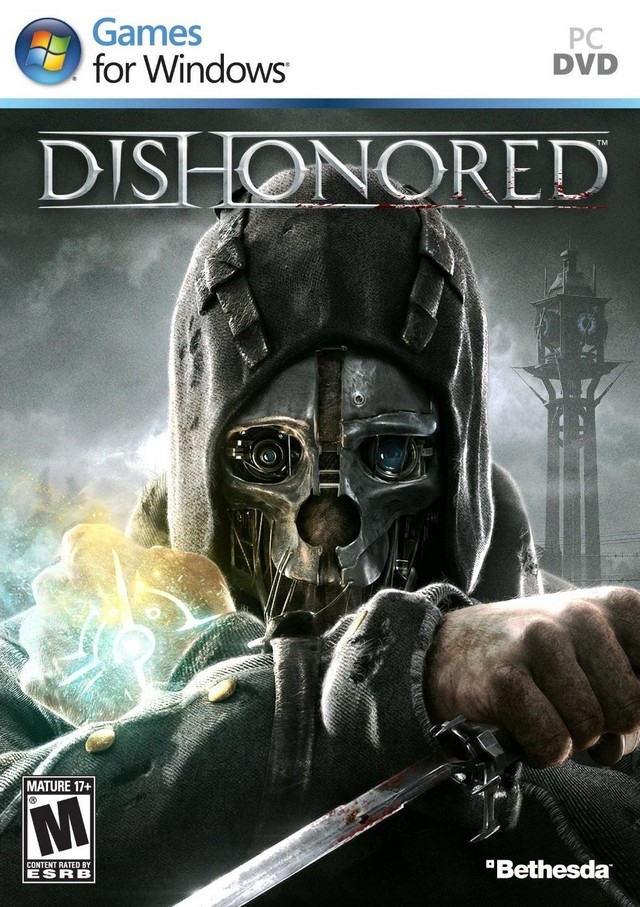
디시오너드 (Dishonored)
Microsoft Windows · AYN Odin 2 Max · GameHub · 성능 등급 훌륭함
emulog 설정 해석
| 구성 | AYN Odin 2 Max + GameHub |
|---|---|
| 에뮬레이터 빌드 | v5 |
| 기재된 설정 항목 | 26개 (기본값과 다르게 바꾼 항목 12개) |
| 성능 등급 | 훌륭함 |
기본값에서 조정된 항목: 에뮬레이터 버전, 네이티브 렌더링+, GameHub Lite 사용, 호환성 레이어, 번역 파라미터, DInput 라이브러리.
등급 판단 근거
이 게임에 등급이 기재된 보고 20건 가운데 이 조합보다 높은 등급은 10건(50%), 같은 등급은 4건입니다. 동일 에뮬레이터(GameHub)로 다른 기기에서 올라온 보고는 10건입니다. 작성자 코멘트 원문은 1,355자입니다.
같은 에뮬레이터의 다른 기기 결과
- RedMagic 10 Pro — 완벽
- Retroid Pocket 5 — 완벽
- Retroid Pocket G2 — 완벽
- AYN Odin 3 Ultra — 완벽
- AYN Thor Max — 완벽
세팅값
| 항목 | 설정값 |
|---|---|
| 에뮬레이터 버전 | v5 |
| 네이티브 렌더링+ | Auto |
| GameHub Lite 사용 | 켜짐 |
| 게임 해상도 | 1280 x 720 |
| 그래픽 향상 플러그인 비활성화 | 꺼짐 |
| 호환성 레이어 | proton10.0-arm64x-2 |
| 번역 파라미터 | Intermediate |
| DInput 라이브러리 | Prefer Native |
| 오디오/비디오 디코딩 건너뛰기 | 꺼짐 |
| GPU 드라이버 | turnip_v26.0.0_R2 |
| 서피스 포맷 | RGBA8 |
| 오디오 드라이버 | Pulse |
| VKD3D 버전 | vkd3d-2.12 |
| CPU 번역기 | no idea, nothing is selected so I just used the default gamehub made |
| DXVK 버전 | dxvk-v2.6.2-1-async |
| CPU 코어 제한 | No Limit |
| VRam 제한 | No Limit |
| DX 래퍼 | DXVK |
| 클라우드 저장 데이터 자동 동기화 | 켜짐 |
| 오프라인 모드 | 꺼짐 |
| Steam 클라이언트 버전 | steam_9866233 |
| Steam Input | 꺼짐 |
| 게임 버전 | The default one on steam |
| 평균 FPS | 30-50 |
| 게임 소스 | Steam |
| YouTube | https://youtu.be/W9PiMCqmaA0?si=HZVvrTtZF_6TCOZQ |
작성자 코멘트(인용)
아래 코멘트는 EmuReady 사용자가 작성한 원문이며, emulog 은 한국어 번역과 위 해석만 추가했습니다.
🎮 인터랙티브 버전으로 열기대부분 30fps 이상을 유지합니다. 절대 최적 설정은 아니지만, GameHub Lite 기본값보다 약 10fps 빠릅니다. DXVK 2.6.2‑async가 1.10.3‑async보다 FPS를 크게 올려줍니다. Proton10‑arm64가 proton9‑arm64보다 약 2fps 빠르지만 로딩 화면에서 가끔 크래시가 발생해 안정성은 떨어집니다. Proton10으로 전환하면 해상도 버그가 생기니 게임 내 메뉴에서 해상도를 재설정하세요. 안정성을 원한다면 proton9arm64x3을 사용하고, 번역 파라미터는 stable로 설정한 뒤 safe‑flags를 모두 끄고 weakbarrier를 2로 설정합니다. 현재 구성으로도 충분히 플레이 가능하므로 번역기를 바꾸지 않아도 됩니다. Translation parameters: TSOEnabled=yes, x87ReducedPrecision=yes, Multiblock=off, MaxInst=5000, Small TCS Scale=on, vectorTSOenable=no, Memcpy=off, HalfbarrierTSO=On, VolatileMetadata=on, HydeHyoervisor=off, MonoHacks=On, SMCChecks=mtra k. bigblock를 켜면 성능이 향상되고 TSOmemory를 비활성화하면 더 좋지만 아직 충돌 여부는 확인되지 않았습니다. Odin 2는 performance 모드, 팬은 sport 모드로 설정했습니다.
Mostly runs above 30fps. This probably arent the absolute optimal settings but they are about 10fps faster than what gamehub lite sets as the default for this game. DXVK 2.6.2async gains quite a bit of fps vs 1.10.3 async. Proton10arm64 is about 2 fps faster than proton 9arm64, but just a little bit less stable with an occasional crash on loading screens. Id you switch to proton 10 there is a resolution bug, simply reset it in the in game menu. If you want the stability use proton9arm64x3, for translation parameters set stable but then turn off all safe-flags and set weakbarrier to 2. I have yet to test wine containers and non arm proton. Also, there seems to be no translator selected for some reason after adding this game, so Im not entirely sure which translator is being used but just keep the default. I havent tested different translators yet because the current configuration is quite playable. Translation parameters: TSOEnabled=yes, x87ReducedPrecision=yes, Multiblock=off, MaxInst=5000, Small TCS Scale=on, vectorTSOenable=no, Memcpy=off, HalfbarrierTSO=On, VolatileMetadata=on, HydeHyoervisor=off, MonoHacks=On, SMCChecks=mtra k. Now Im pretty sure setting bigblock on will add more performance, as will disabling TSOmemory, but I havent checked these yet to see if it causes crashes or not. Odin 2 set to performance and fan to sport