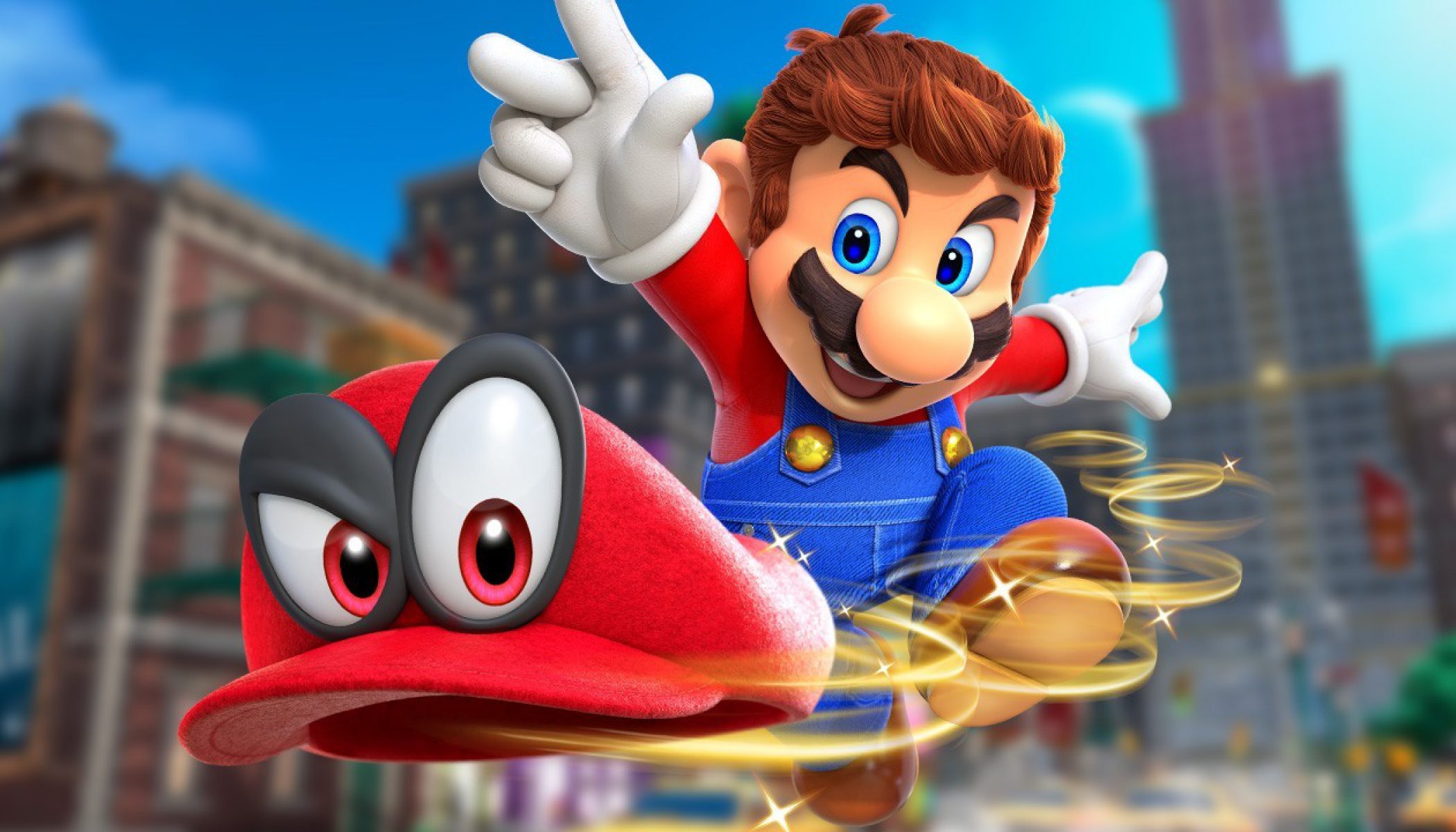
슈퍼 마리오 오디세이 (Super Mario Odyssey)
Nintendo Switch · Valve Steam Deck OLED · Citron · 성능 등급 훌륭함
기기 스펙
| SoC | AMD Sephiroth |
|---|---|
| CPU | AMD Zen 2 |
| GPU | AMD RDNA 2 |
| RAM | 16 GB LPDDR5 |
| 화면 | 7.4 inch |
| 해상도 | 1280 x 800 |
| 성능 티어 | 2 |
emulog 설정 해석
| 구성 | Valve Steam Deck OLED + Citron |
|---|---|
| 에뮬레이터 빌드 | 0.6.1 (x86_64) (2025-07-29) |
| 그래픽 드라이버 | Default System Driver |
| 기재된 설정 항목 | 18개 (기본값과 다르게 바꾼 항목 11개) |
| 성능 등급 | 훌륭함 |
기본값에서 조정된 항목: 평균 FPS, CPU 정확도, 독 모드, 드라이버 버전, 에뮬레이터 버전, 게임 버전.
등급 판단 근거
이 게임에 등급이 기재된 보고 143건 가운데 이 조합보다 높은 등급은 54건(38%), 같은 등급은 46건입니다. 동일 에뮬레이터(Citron)로 다른 기기에서 올라온 보고는 14건입니다. 작성자 코멘트 원문은 4,998자입니다.
같은 에뮬레이터의 다른 기기 결과
- Samsung Galaxy S25 (SD) — 완벽
- Valve Steam Deck OLED — 완벽
- Motorola Moto G Stylus 5G (2024) — 완벽
- Samsung Galaxy S25 Ultra (SD) — 완벽
- Samsung Galaxy Tab A8 — 완벽
세팅값
| 항목 | 설정값 |
|---|---|
| 정확도 수준 | Normal |
| 비등방성 필터링 | Default |
| 안티앨리어싱 방식 | None |
| 오디오 출력 엔진 | Auto |
| 평균 FPS | 60 |
| CPU 정확도 | Unsafe |
| CPU 백엔드 | Native code execution (NCE) |
| 디스크 셰이더 캐시 | 켜짐 |
| 독 모드 | 켜짐 |
| 드라이버 버전 | Default System Driver |
| 에뮬레이터 버전 | 0.6.1 (x86_64) (2025-07-29) |
| GPU API | Vulkan |
| 게임 버전 | 1.3.0 with a 16x10 aspect ratio patch |
| 해상도 | Docked Mode with FSR 80 |
| 비동기 셰이더 사용 | 켜짐 |
| 리액티브 플러싱 사용 | 켜짐 |
| VSync 모드 | Mailbox |
| 창 적응형 필터 | AMD FidelityFX - Super Resolution |
작성자 코멘트(인용)
아래 코멘트는 EmuReady 사용자가 작성한 원문이며, emulog 은 한국어 번역과 위 해석만 추가했습니다.
메인 메뉴 화면 이후에 크래시가 발생합니다. Eden의 여러 업데이트 후에는 플레이 가능할 수도 있지만 아직 테스트하지 않았습니다.
Steam Deck Oled user here, recently been trying out numerous of emulators to test out performance and stability and want to share my 2 cents on it. Firstly, Mario odyssey on citron performs great, the asynchronous shaders and other performance options really make it a solid experience. With FSR at 80, it looks like a brand new game instead of a blurry mess natively. It will stay at 60fps consistently through all kingdoms, with a small exception to New Donk City where before you go in, it will drop to the 50's, but once you go down the powerline the game will go back to 60fps around the city. Besides New Donk City having some dips, the game will perform consistently on the deck. Pros: 60fps consistent gameplay Little to zero micro stutters from shader building Great FSR that does not affect performance Compared to other emuatlors I have tried using Odyssey and my save file: I have tried Ryubing, Yuzu, Suyu, and Eden and ALL of them have problems running the game: Ryubing: It's fantastic in terms of stability and a clean UI, but the micro stutters from shader building is problematic from enjoying the game, mario odyssey's cutscenes WILL stutter constantly until the shaders are built up. It's basically forcing you to play through the whole game, and then play through it again so you are able to have a stutter free experience. And New Donk City on Ryubing has poor performance, it will drop to the 30's and 40's even within the city. At that point of the game it is indeed unplayable. Yuzu: Has micro stutters despite having more performance optimizations, and New Donk City stays in the 40's fps zone and every time you pause the game it will massively Lag, and unpausing the game will dip gameplay down the the 20's til it catches its breath. (This pause issue is the same across all these emulators with the exception of Citron where it recovers so fast from pausing that it feels natural, and pausing the game on citron in New Donk City does not slow down or have any input lag) Eden: Had a major graphical lighting glitch, and what you needed to do to fix it is by changing your Extended Dynamic State to either 1 or 2 which you are able to find this setting as a slider option within Eden's settings. It runs perfectly, even more so than most others. However, sadly New Donk city suffers from the same performance problems. The game will slow down to the low 40's and 30's, and within the city it will try to get to 60fps consistently but whenever you pause the game there will be a delay and un-pausing the game it WILL slow down gameplay down to low 20's til it catches its breath and build up toward 60 again. Cons for citron: Citron is not a great option for the deck, despite the drama surrounding the emulator long time ago, the emulator will crash on the steam deck. I am on the newest version and have tried older builds of the emulator through github and it will consistently crash in-game. Sometimes it lasts an hour before it crashes, and sometimes it will crash in menus, when you jump, or even 2 minutes into gameplay. I have tried so many different solutions: running it with the safest settings - didn't work. running with older builds - didn't work running with combinations of different settings - didn't work deleting all traces of citron on steam deck's desktop directories - didn't work changing to handheld mode - didn't work (Honestly and believe me, every option was exhausted.) This post will contain the settings I have used to make it somewhat consistent. For some reason, these settings prevented it from crashing and allowing for more than 3+ hours of gameplay. The only downside is that it will sometimes not launch the game and you will have to close out, launch again, close out, launch again (Kinda like starting a car til the emulator finally launches it). I have completed the game with 500+ moons, and can confidently say despite the crashes, the game will run well on citron and will provide a great experience. Citron has accurate rumble option which feels great on switch (making those vibration moons easy to find and does sync up really well to the game). Motion controls do work on citron, however in my experience it will only work within desktop mode. Despite of that you can still play the game through it perfectly and even get the toughest moons like one from Hat Kingdom where you need a frog to jump high up by "shaking the controller", but at that point that is more of a criticism on its game design blocking special moves with motion controls. Settings: CPU: Unsafe with: "Faster FRSQRTE and FRECPE" - on "Faster ASIMD instructions (32 bits only)" - on "Ignore global monitor" - on (Sometimes I will lower the cpu clock speed to 1000 and it does prevent crashes) ALSO I am using "window borderless" for the game and on the "view" tap the only one with a check mark is "fullscreen", I un-checked "Single window mode", this will pop an additional window when running the game but, it does help.