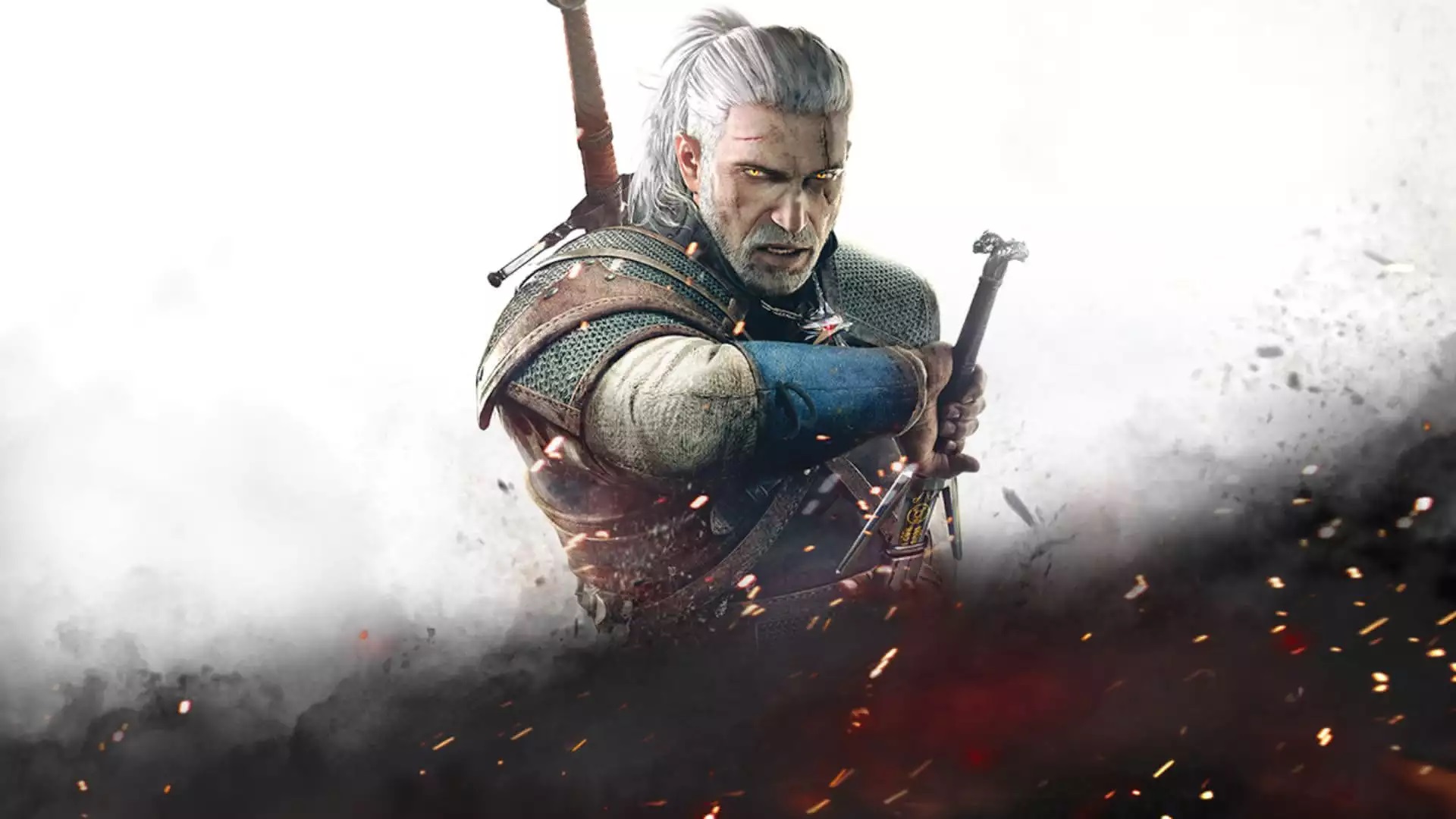
위쳐 3: 와일드 헌트 (The Witcher 3: Wild Hunt)
Microsoft Windows · AYN Odin 2 Max · Winlator · 성능 등급 훌륭함
emulog 설정 해석
| 구성 | AYN Odin 2 Max + Winlator |
|---|---|
| 에뮬레이터 빌드 | 13.1.1 |
| 그래픽 드라이버 | [KIMCHI Turnip] v26.0.0 - Revision 2 |
| 기재된 설정 항목 | 18개 (기본값과 다르게 바꾼 항목 16개) |
| 성능 등급 | 훌륭함 |
기본값에서 조정된 항목: 평균 FPS, Box64 프리셋, Box64 버전, 컨트롤러 지원, DX Wrapper 설정 (버전, 프레임 속도, 최대 메모리), 다운로드 크기.
등급 판단 근거
이 게임에 등급이 기재된 보고 29건 가운데 이 조합보다 높은 등급은 9건(31%), 같은 등급은 12건입니다. 동일 에뮬레이터(Winlator)로 다른 기기에서 올라온 보고는 5건입니다. 작성자 코멘트 원문은 945자입니다.
같은 에뮬레이터의 다른 기기 결과
- Samsung Galaxy S24 Ultra (SD) — 훌륭함
- Retroid Pocket Flip 2 - SD — 훌륭함
- OnePlus 12 — 훌륭함
- Xiaomi Poco F6 — 플레이 가능
- Sony Xperia 1 V — 플레이 가능
세팅값
| 항목 | 설정값 |
|---|---|
| 오디오 드라이버 | ALSA |
| 평균 FPS | 35-70fps |
| Box64 프리셋 | Performance |
| Box64 버전 | 0.3.6 |
| 컨트롤러 지원 | 켜짐 |
| DX 래퍼 | DXVK |
| DX Wrapper 설정 (버전, 프레임 속도, 최대 메모리) | 2.4.1 Frame Rate : 0 Max Device Memory : 0 |
| 다운로드 크기 | 35GB |
| 에뮬레이터 버전 | 13.1.1 |
| 환경 변수 | BOX64_DYNAREC_STRONGMEM = 1 BOX64_DYNAREC_WEAKBARRIER = 1 |
| 게임 버전 | 1.32 (classic) |
| 그래픽 드라이버 | Wrapper-v2 |
| 해상도 (화면 크기) | 720p / 648p |
| 시작 선택 | Essential (Load only essential services) |
| Turnip 드라이버 버전 | [KIMCHI Turnip] v26.0.0 - Revision 2 (배포 파일: Turnip_v26.0.0_R2.zip) |
| Wine 버전 | Proton-9.0-x86_64 |
| Winlator 포크 | cmod_bionic |
| YouTube | https://youtu.be/huFZLPJhRNs |
작성자 코멘트(인용)
아래 코멘트는 EmuReady 사용자가 작성한 원문이며, emulog 은 한국어 번역과 위 해석만 추가했습니다.
프로세서 친화도: 8개 박스 모두 활성화. 단축키 별 설정: Advanced Executive Arguments: -dx11 옵션을 사용하면 DirectX 11 렌더링을 강제하며, Winlator의 DX12보다 훨씬 좋은 성능을 제공합니다. 게임 내 설정: 후처리와 그래픽을 모두 Low로, 텍스처 품질은 Medium으로 설정. User.settings: 풀, 잎사귀, 그림자 밀도를 조정했으며 기타 작은 렌더링 변경을 적용했습니다. 중간 정도의 성능 향상이 있으며, 이 설정 파일 사용을 권장합니다. 렌더링 거리를 약간 낮춰 약간의 팝인 효과가 있지만, 성능 향상이 그만한 가치가 있습니다. User.settings 파일은 다운로드 가능하니, 필요에 따라 직접 수정하세요. 해상도에 맞는 파일을 사용하십시오. 다운로드: https://drive.google.com/drive/folders/11X_CoGP2Lwute3kYhuq4xxb3UFzNsxFO
Processor Affinity: Enable all 8 boxes. Shortcut Specific Settings: Advanced Executive Arguments: -dx11 will force directx 11 rendering, which has much better performance than dx12 in winlator. In Game Settings: Postprocessing and Graphics settings are all set to low. Texture Quality is set to medium. User.settings: Ive made some tweaks to the grass, foliage, and shadow density in the User.settings file, as well as some other small rendering changes. This has a moderate performance boost and I would recommend using this config file. Rendering distances are slightly lower so you will get a little bit more pop in, but the performance boost is worth it in my opinion. My User.settings is available for download, feel free to tweak it yourself if you want to reduce/enhance anything else. Use the user.settings that matches the resolutuon youve set. Download here: https://drive.google.com/drive/folders/11X_CoGP2Lwute3kYhuq4xxb3UFzNsxFO