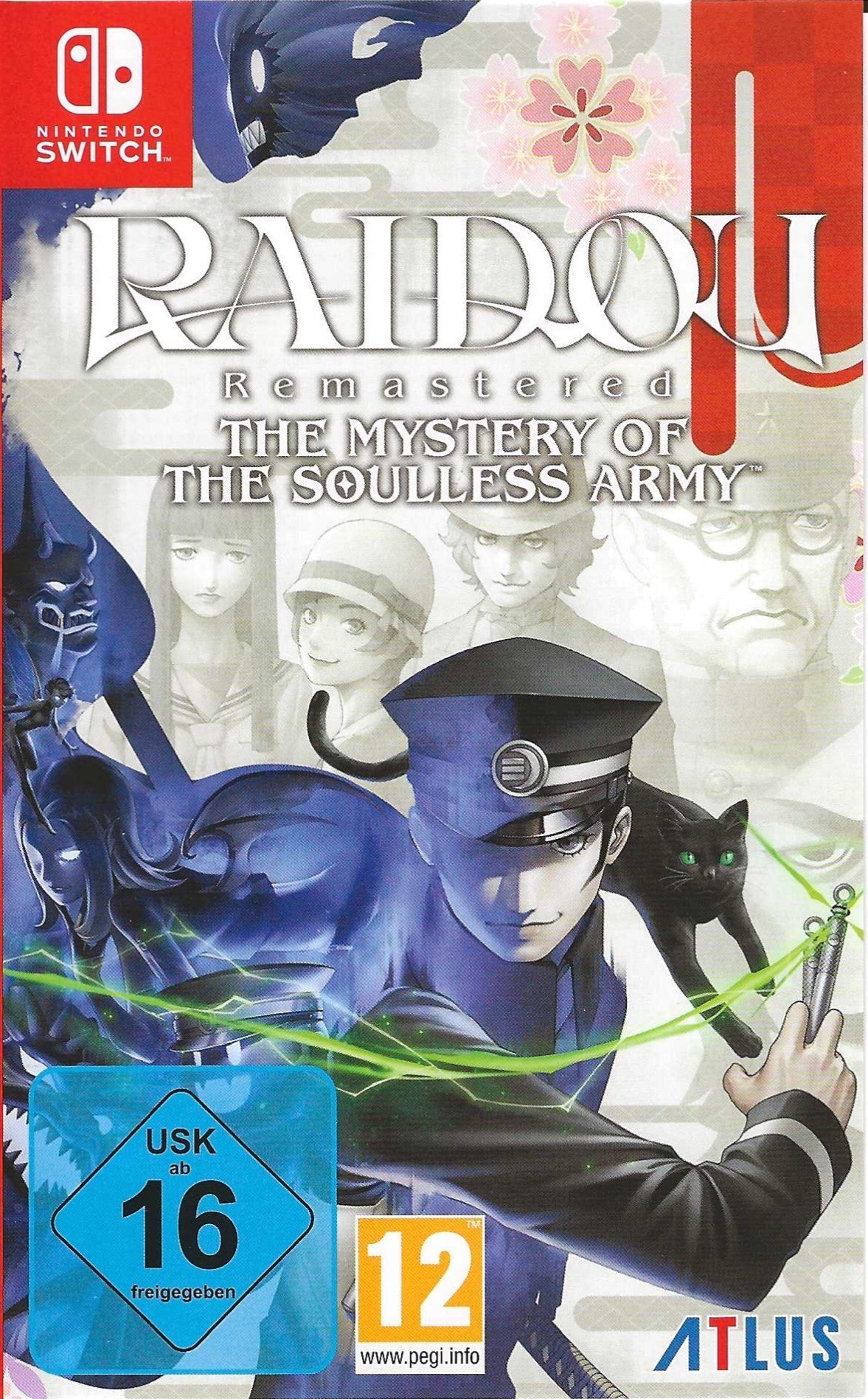
라이도우 리마스터드: 소울리스 아미의 미스터리 (Raidou Remastered: The Mystery of the Soulless Army)
Nintendo Switch · AYN Thor Max · Kenji-NX · 성능 등급 훌륭함
emulog 설정 해석
| 구성 | AYN Thor Max + Kenji-NX |
|---|---|
| 에뮬레이터 빌드 | 2.1.0 pr2 |
| 그래픽 드라이버 | [StevenMXZ] Turnip Gen8 V30 |
| 기재된 설정 항목 | 19개 (기본값과 다르게 바꾼 항목 4개) |
| 성능 등급 | 훌륭함 |
기본값에서 조정된 항목: 평균 FPS, 독 모드, 에뮬레이터 버전, 드라이버 버전.
등급 판단 근거
이 게임에 등급이 기재된 보고 7건 가운데 이 조합보다 높은 등급은 2건(29%), 같은 등급은 2건입니다. 동일 에뮬레이터(Kenji-NX)로 다른 기기에서 올라온 보고는 1건입니다. 작성자 코멘트 원문은 537자입니다.
같은 에뮬레이터의 다른 기기 결과
- AYN Thor Max — 훌륭함
세팅값
| 항목 | 설정값 |
|---|---|
| 비등방성 필터링 | 0x |
| 평균 FPS | 56 |
| DRAM 크기 | 4GiB |
| 독 모드 | 켜짐 |
| 에뮬레이터 버전 | 2.1.0 pr2 |
| Fs 무결성 검사 | 꺼짐 |
| 누락된 서비스 무시 | 꺼짐 |
| Jit 캐시 제거 | 꺼짐 |
| 저전력 PPTC | 꺼짐 |
| Macro HLE | 꺼짐 |
| 메모리 관리자 모드 | Host Unchecked (fastest, unsafe) |
| NCE (Native Code Execution) | 꺼짐 |
| PPTC (Profiled Persistent Translation Cache) | 켜짐 |
| 성능 모드 | 꺼짐 |
| 해상도 스케일 | 1.0x (720p/1080p) |
| 셰이더 캐시 | 켜짐 |
| 텍스처 재압축 | 꺼짐 |
| VSync | Switch |
| 드라이버 버전 | [StevenMXZ] Turnip Gen8 V30 (배포 파일: Turnip_Gen8_V30.zip) |
작성자 코멘트(인용)
아래 코멘트는 EmuReady 사용자가 작성한 원문이며, emulog 은 한국어 번역과 위 해석만 추가했습니다.
오디오가 약간 끊기지만 게임플레이는 정상이며, 아직 크래시가 발생하지 않았습니다. 드라이버를 추가한 뒤부터입니다. 드라이버 다운로드: [여기](https://github.com/StevenMXZ/Adreno-Tools-Drivers/releases) 다운로드한 드라이버를 적용하려면 그래픽 설정 > 드라이버 설치 > '+' 버튼 클릭 > 다운로드한 zip 파일 선택 > 드라이버 목록에 나타나면 해당 드라이버 탭 > 연필 아이콘을 눌러 적용합니다. 변경 적용에 연필 ✏️ 아이콘을 사용하고 체크 ✅ 아이콘을 쓰지 않은 이유는 다소 혼란스럽지만, 어쩔 수 없습니다.
has a bit of audio stuttering but gameplay seems fine. no crashes yet, since i added in the drivers download the drivers [here](https://github.com/StevenMXZ/Adreno-Tools-Drivers/releases) to apply the downloaded drivers, go to graphic settings > install driver > hit the '+' button > select the zip u downloaded > once it appears in ur driver list, tap the newly installed driver > tap the pencil button to apply drivers its a bit confusing as to why they chose the "pencil ✏️" icon to apply changes instead of the ✅ icon, but oh well