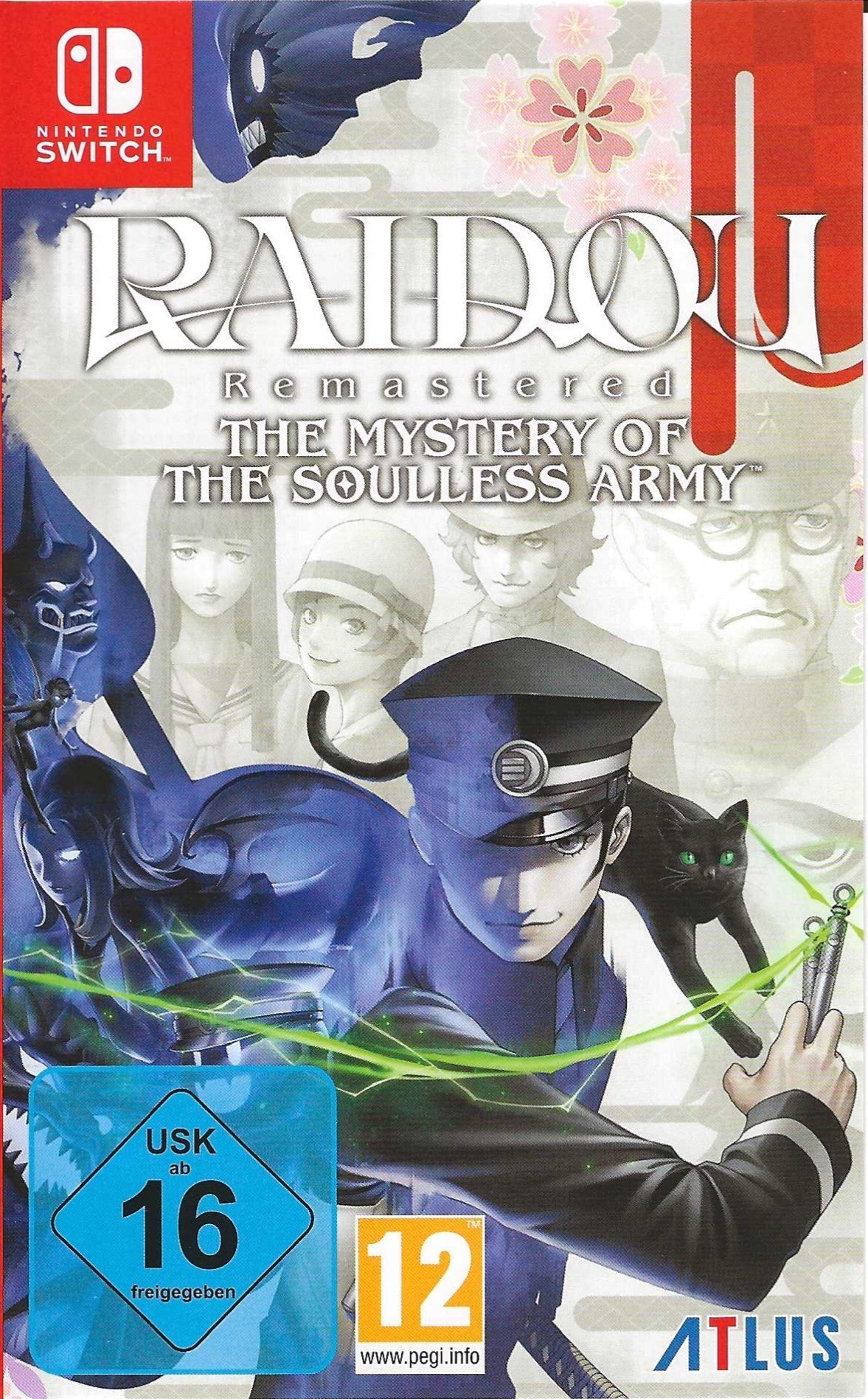
라이도우 리마스터드: 소울리스 아미의 미스터리 (Raidou Remastered: The Mystery of the Soulless Army)
Nintendo Switch · AYN Thor Pro · Eden · 성능 등급 훌륭함
emulog 설정 해석
| 구성 | AYN Thor Pro + Eden |
|---|---|
| 에뮬레이터 빌드 | v0.2.1 |
| 그래픽 드라이버 | [Mr. Purple Turnip] turnip_mrpurple_T28-toasted.adpkg |
| 기재된 설정 항목 | 31개 (기본값과 다르게 바꾼 항목 10개) |
| 성능 등급 | 훌륭함 |
기본값에서 조정된 항목: 에뮬레이터 버전, 드라이버 버전, 독 모드, 비동기 셰이더 사용, 비등방성 필터링, 향상된 프레임 페이싱.
등급 판단 근거
이 게임에 등급이 기재된 보고 7건 가운데 이 조합보다 높은 등급은 2건(29%), 같은 등급은 2건입니다. 동일 에뮬레이터(Eden)로 다른 기기에서 올라온 보고는 4건입니다. 작성자 코멘트 원문은 1,293자입니다.
같은 에뮬레이터의 다른 기기 결과
- AYN Thor Max — 완벽
- LG G7 ThinQ — 완벽
- Retroid Pocket Flip 2 - SD — 인게임 진입
- Retroid Pocket Flip 2 - SD — 로딩만
세팅값
| 항목 | 설정값 |
|---|---|
| 에뮬레이터 버전 | v0.2.1 |
| 드라이버 버전 | [Mr. Purple Turnip] turnip_mrpurple_T28-toasted.adpkg (배포 파일: turnip_mrpurple_T28-toasted.adpkg.zip) |
| 독 모드 | 켜짐 |
| 속도 제한 | 켜짐 |
| 정확도 수준 | Normal |
| 해상도 | 1 |
| 디스크 셰이더 캐시 | 켜짐 |
| 비동기 셰이더 사용 | 켜짐 |
| 리액티브 플러싱 사용 | 꺼짐 |
| 안티앨리어싱 방식 | None |
| VSync 모드 | FIFO (On) |
| 비등방성 필터링 | Auto |
| 창 적응형 필터 | Bilinear |
| 오디오 출력 엔진 | Auto |
| GPU API | Vulkan |
| CPU 정확도 | Auto |
| CPU 백엔드 | Native code execution (NCE) |
| 확장 동적 상태 (Extended Dynamic State) | 0 |
| Provoking Vertex | 꺼짐 |
| 디스크립터 인덱싱 | 꺼짐 |
| 향상된 프레임 페이싱 | 꺼짐 |
| 빠른 GPU 시간 사용 | 꺼짐 |
| VRAM 사용 모드 | Conservative |
| NVDEC 에뮬레이션 | None |
| ASTC 재압축 방식 | Uncompressed |
| SPIRV 출력 최적화 | Never |
| 빠른 CPU 시간 | 꺼짐 |
| LRU 캐시 활성화 | 꺼짐 |
| 코어 속도 동기화 | 꺼짐 |
| 게임 버전 | 1.2.0 |
| 평균 FPS | 60 |
작성자 코멘트(인용)
아래 코멘트는 EmuReady 사용자가 작성한 원문이며, emulog 은 한국어 번역과 위 해석만 추가했습니다.
🎮 인터랙티브 버전으로 열기Snapdragon 8 Gen 2가 탑재된 AYN Thor에서 Raidou Remastered를 별 어려움 없이 작동시켰습니다. 가장 흔한 문제는 튜토리얼 방에서 게임이 0 FPS로 떨어지는 것입니다. 일부 사용자는 높은 GPU 정확도와 최대 클럭 속도 같은 최대 호환성 설정을 켜고 올바른 Turnip 드라이버를 사용하면 이 문제를 넘길 수 있습니다. 경우에 따라 Raidou의 달리기 애니메이션이 렌더링되고 게임을 재시작하면 정상 작동합니다. 하지만 저는 이 방법이 일관성이 없다는 것을 발견했습니다. 더 신뢰할 수 있는 방법은: 1.Kenji-NX 최신 릴리스를 다운로드하고 설치합니다. 2.Kenji-NX를 설정하고 호환되는 Turnip 드라이버를 설치합니다. 3.Kenji-NX에서 게임을 실행합니다. 4.튜토리얼 방을 플레이하고 Chapter 1에 도달할 때까지 계속합니다. 5.Kenji-NX에서 세이브 파일을 내보냅니다. 6.세이브 파일을 Eden으로 가져옵니다. Eden에서 게임을 계속 플레이합니다. Kenji-NX는 특별한 호환성 설정 없이 튜토리얼 구간을 통과할 수 있어야 하지만, 약간의 오디오 끊김이 발생할 수 있습니다. Chapter 1 세이브를 Eden으로 옮긴 후에는 오디오 끊김 문제 없이 게임이 정상 작동해야 합니다. Kenji-NX로 그냥 게임을 실행해도 되지만 오디오 끊김 문제를 해결하는 방법은 모르겠습니다. AYN Thor에서 게임은 docked mode로 60 FPS로 실행됩니다.
I managed to get Raidou Remastered working on my AYN Thor with a Snapdragon 8 Gen 2 and very little hassle. The most common issue is that the game drops to 0 FPS in the tutorial room. Some users can get past this by enabling maximum compatibility settings, such as high GPU accuracy and maximum clock speeds, while using the correct Turnip driver. In some cases, this allows Raidou’s running animation to render, and the game works normally after restarting it. However, I found this method inconsistent. A more reliable method is: 1.Download and install the newest release of Kenji-NX. 2.Configure Kenji-NX and install a compatible Turnip driver. 3.Launch the game in Kenji-NX. 4.Play through the tutorial room and continue until you reach Chapter 1. 5.Export your save file from Kenji-NX. 6.Import the save file into Eden. Continue playing the game in Eden. Kenji-NX should get through the tutorial section without requiring unusual compatibility settings, although you may experience some audio stuttering. After transferring the Chapter 1 save to Eden, the game should run normally without the audio-stuttering problem. You can also just run the game using Kenji-NX but I have no idea how to fix the audio stuttering issues. On the AYN Thor, the game can run at 60 FPS in docked mode.