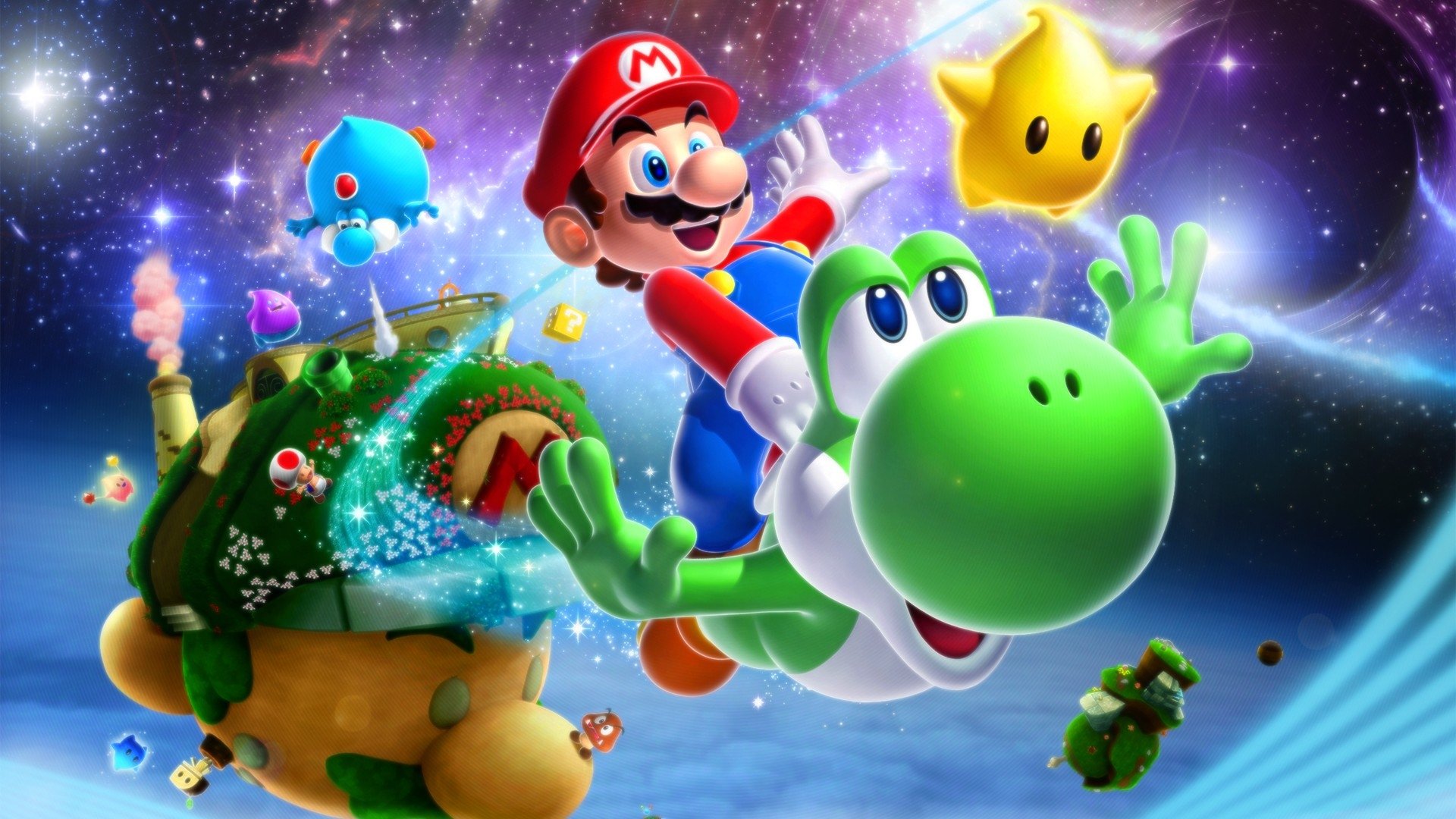
슈퍼 마리오 갤럭시 (Super Mario Galaxy)
Nintendo Wii · Retroid Pocket Flip 2 - SD · Dolphin · 성능 등급 완벽
emulog 설정 해석
| 구성 | Retroid Pocket Flip 2 - SD + Dolphin |
|---|---|
| 에뮬레이터 빌드 | v5.0-21383 |
| 기재된 설정 항목 | 15개 (기본값과 다르게 바꾼 항목 8개) |
| 성능 등급 | 완벽 |
기본값에서 조정된 항목: 안티앨리어싱, 평균 FPS, 에뮬레이터 버전, 게임 버전, 내부 해상도, 스크린샷, 블로그 게시물 등.
등급 판단 근거
이 게임에 등급이 기재된 보고 9건 가운데 이 조합보다 높은 등급은 0건(0%), 같은 등급은 3건입니다. 동일 에뮬레이터(Dolphin)로 다른 기기에서 올라온 보고는 8건입니다. 작성자 코멘트 원문은 2,085자입니다.
같은 에뮬레이터의 다른 기기 결과
- AYN Thor Max — 완벽
- Xiaomi Poco X5 — 완벽
- Valve Steam Deck — 완벽
- Google Pixel 6a — 훌륭함
- Samsung Galaxy A55 5G — 훌륭함
세팅값
| 항목 | 설정값 |
|---|---|
| 비등방성 필터링 | 1 |
| 안티앨리어싱 | 2x MSAA |
| 평균 FPS | 60 |
| DSP 에뮬레이터 엔진 | HLE (Fast, Default) |
| 에뮬레이터 버전 | v5.0-21383 |
| 듀얼 코어 활성화 | 켜짐 |
| 게임 버전 | USA, (EN,Fr, ES) |
| 그래픽 백엔드 | Vulkan |
| 포맷 변경 무시 | 꺼짐 |
| 내부 해상도 | 75 |
| 스크린샷, 블로그 게시물 등 | https://www.reddit.com/r/Retroidpocketflip2/comments/1lmz8t0/super_mario_galaxy_running_perfect_on_the_retroid/ |
| 셰이더 컴파일 | Specialized (Default) |
| CPU에서 EFB 접근 건너뛰기 | 꺼짐 |
| VSync | 꺼짐 |
| YouTube | https://www.reddit.com/r/Retroidpocketflip2/comments/1lmz8t0/super_mario_galaxy_running_perfect_on_the_retroid/ |
작성자 코멘트(인용)
아래 코멘트는 EmuReady 사용자가 작성한 원문이며, emulog 은 한국어 번역과 위 해석만 추가했습니다.
🎮 인터랙티브 버전으로 열기Dolphin v5.0-21383 에뮬레이터를 2배 해상도(1280x1056)와 Goldie turnip driver 24.3.0 9v2로 실행 중이며, OpenGL과 Vulkan 모두 지원합니다. "launch 전에 셰이더 컴파일"을 활성화했습니다. 60FPS에서 끊김 없이 완벽히 구동됩니다. Vulkan 비디오 백엔드로 전환하면 기본 그래픽 드라이버로 3배 해상도에서도 플레이 가능하지만, 커서가 사라지는 현상이 발생하고 때때로 다시 나타납니다. 이를 해결하는 패치가 있습니다. 설정은 모두 최적화되었습니다. Wii 리모컨 매핑: 버튼 섹션: A → A B → R2 Select → (빈칸) Start → + D‑pad → D‑pad (전체 동일) 모션 시뮬레이션: “Point” ↑↓←→ → 오른쪽 아날로그 스틱 방향 Hide → X Recenter → 오른쪽 아날로그 클릭(R3) Auto hide → 활성화 “Shake” X/Y/Z → R1 Tilt와 swing은 비활성화, 입력 비활성화. Extension 섹션 → “Extension” 클릭 후 “nunchuck” 선택 → 오른쪽 기어 아이콘 클릭 후 매핑: C → 왼쪽 아날로그 클릭(L3) Z → L2 “Stick” ↑↓←→ → 왼쪽 아날로그 방향 “Shake” X/Y/Z → Y Tilt와 swing, 가속도계는 비워두기. 조작 요약: 왼쪽 아날로그로 마리오 이동, A로 점프, Y 또는 R1로 스핀, L2로 그라운드 펀드, 오른쪽 아날로그로 커서 이동, A로 선택, L3로 카메라 중앙 정렬.
I’m running Dolphin v5.0-21383 emulator with 2x resolution (1280 x1056) and the oldie Goldie turnip driver: 24.3.0 9v2. This will work with both OpenGL and Vulcan video backends. I enabled "compile shaders before launching". Runs perfect at 60FPS with no drops. You can apparently also play it at 3x resolution with the default graphics driver if you make sure to switch the video backend to Vulkan, but its not perfect, the cursor will dissapear sometimes and you wont be able to use it at all and then it will randomly come back but there is a patch out there to fix it. My settings are perfect in every way. For Control mapping the wii remote: To map the controls the way I find it easy and intuitive to play: (Wii control on the left: retroid control on the right of the colon) If I don’t include a Wii button, I didn’t map it and you don’t need it. Buttons section: A: A B: R2 : Select +: start D-pad: D-pad (all same) Motion simulation section: “Point” Up, down, left and right: Right analog stick up, down, left and right Hide: X Recenter: click Right analog stick (R3) Auto hide: enabled. “Shake” X: R1 Y: R1 Z: R1 Tilt and swing we don’t need, clear em or leave em empty. Motion input : disabled I think you may need to enable this during parts of the game but for now you don’t need it, leave it default, it should be mapped to “Android/0/Device Sensors: Accel up” and “gyro roll right” ect.. don’t mess with that. Then go down to the Extension Section: Click on the words “Extension” and select “nunchuck”. Then press the little gear on the right to map the nunchuck as follows: C: click left analog stick (L3) Z: L2 “Stick” Up, down, left and right: left analog stick up, down, left and right. “Shake” X: Y Y: Y Z: Y We don’t need tilt and swing, just leave them empty. Clear em if there is anything there. Same with accelerometer. So you move Mario around with the left analog stick. Jump with A, spin with either Y or R1, ground pound with L2, move the cursor with right analog stick and select things with A. Center camera angle with L3