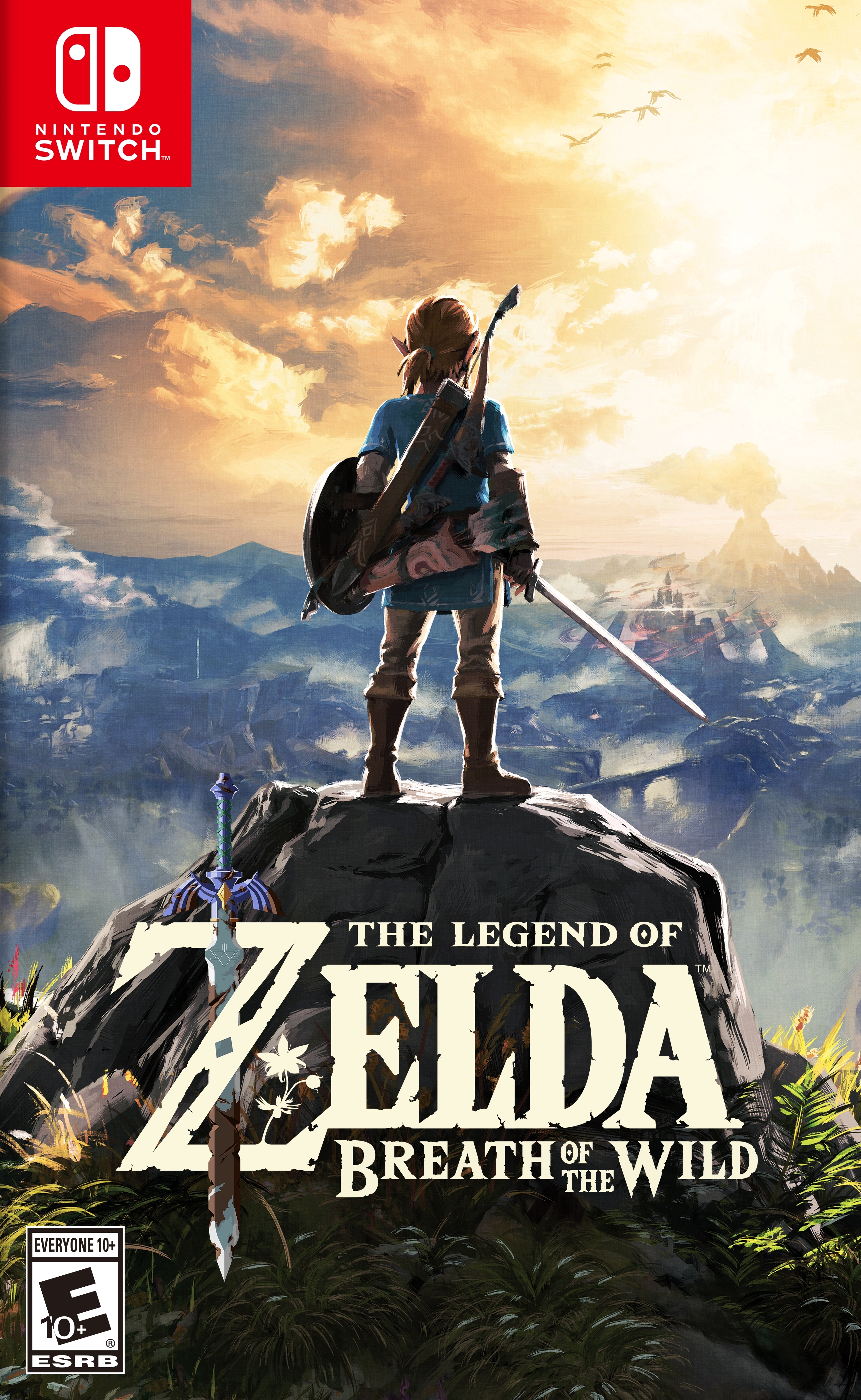
젤다의 전설: 야생의 숨결 (The Legend of Zelda: Breath of the Wild)
Nintendo Switch · Retroid Pocket Flip 2 - SD · Eden · 성능 등급 훌륭함
emulog 설정 해석
| 구성 | Retroid Pocket Flip 2 - SD + Eden |
|---|---|
| 에뮬레이터 빌드 | 0.0.2 Pre-Alpha |
| 그래픽 드라이버 | [K11MCH1/AdrenoToolsDrivers] Mesa Turnip driver v24.3.0 - Revision 9v2 |
| 기재된 설정 항목 | 32개 (기본값과 다르게 바꾼 항목 15개) |
| 성능 등급 | 훌륭함 |
기본값에서 조정된 항목: 에뮬레이터 버전, 드라이버 버전, 해상도, 비동기 셰이더 사용, 확장 동적 상태 (Extended Dynamic State), Provoking Vertex.
등급 판단 근거
이 게임에 등급이 기재된 보고 121건 가운데 이 조합보다 높은 등급은 33건(27%), 같은 등급은 53건입니다. 동일 에뮬레이터(Eden)로 다른 기기에서 올라온 보고는 101건입니다. 작성자 코멘트 원문은 1,005자입니다.
같은 에뮬레이터의 다른 기기 결과
- AYN Odin 2 — 완벽
- AYN Odin 2 Max — 완벽
- AYN Thor Base — 완벽
- AYN Thor Pro — 완벽
- Retroid Pocket 6 — 완벽
세팅값
| 항목 | 설정값 |
|---|---|
| 에뮬레이터 버전 | 0.0.2 Pre-Alpha |
| 드라이버 버전 | [K11MCH1/AdrenoToolsDrivers] Mesa Turnip driver v24.3.0 - Revision 9v2 |
| 독 모드 | 꺼짐 |
| 정확도 수준 | Normal |
| 해상도 | 0.75X |
| 디스크 셰이더 캐시 | 켜짐 |
| 비동기 셰이더 사용 | 켜짐 |
| 리액티브 플러싱 사용 | 꺼짐 |
| 안티앨리어싱 방식 | None |
| VSync 모드 | FIFO (On) |
| 비등방성 필터링 | Default |
| 창 적응형 필터 | Bilinear |
| 오디오 출력 엔진 | Auto |
| GPU API | Vulkan |
| CPU 정확도 | Auto |
| CPU 백엔드 | Native code execution (NCE) |
| 확장 동적 상태 (Extended Dynamic State) | 2 |
| Provoking Vertex | 켜짐 |
| 디스크립터 인덱싱 | 켜짐 |
| 향상된 프레임 페이싱 | 켜짐 |
| 빠른 GPU 시간 사용 | 켜짐 |
| VRAM 사용 모드 | Conservative |
| NVDEC 에뮬레이션 | CPU |
| ASTC 재압축 방식 | Uncompressed |
| SPIRV 출력 최적화 | On Load |
| 빠른 CPU 시간 | 켜짐 |
| LRU 캐시 활성화 | 켜짐 |
| 코어 속도 동기화 | 켜짐 |
| 게임 버전 | Update 1.6.0 |
| 스크린샷, 블로그 게시물 등 | https://www.reddit.com/r/Retroidpocketflip2/wiki/index/?share_id=zjiekRSUcQER7jdGYDwVH&utm_medium=ios_app&utm_name=ioscss&utm_source=share&utm_term=1 |
| 평균 FPS | 30-38 in Easy Areas, 26-29 in difficult areas. |
| YouTube | https://www.youtube.com/watch?v=TUdbLcVOwL4&lc=UgxSEsdfyq2UFpSxzYp4AaABAg |
작성자 코멘트(인용)
아래 코멘트는 EmuReady 사용자가 작성한 원문이며, emulog 은 한국어 번역과 위 해석만 추가했습니다.
Game Update 1.6.1과 Ultracam Mod를 사용하고 있으며 설정은 다음과 같습니다: 최대 프레임레이트 60, 품질 향상 켜기, 렌더 거리 20000, 가로 1280, 세로 720, FOV 40. 이 값들은 romfs 폴더의 UltraCam 폴더에 있는 "maxlastbreath" .ini 파일을 데스크톱에서 Notepad++로 편집했습니다. 오버월드에서는 30 FPS 이상으로 안정적으로 플레이되지만, 일부 사당에서는 시각적 트레일러가 나타나고 물이 흰색으로 보입니다. Water and Shrine Fix Mod를 적용하면 해결됩니다. 모든 모드 링크는 유튜브 영상 설명과 r/Retroidpocketflip2 서브레딧에 있습니다. 아래 유튜브 영상은 Ultracam 및 Water and Shrine Fix 모드를 다운로드, 편집, 설치하는 전체 과정을 단계별로 보여줍니다. 하이룰 성읍이나 코록 숲처럼 그래픽 부하가 큰 구역에서는 FPS가 26~27까지 떨어질 수 있습니다. 그 외 지역은 30~38 FPS, 메뉴에서는 45~60 FPS로 로딩 시간이 빨라집니다.
I am using the Game Update 1.6.1 and the Ultracam Mod with the following settings: Max framerate: 60, Quality Improvements: on, Render Distance: 20000, Width: 1280, Height: 720, FOV: 40. I edited these in the .ini file called "maxlastbreath" in the UltraCam folder, in the romfs folder. I edited them on my desktop computer using the application notepad ++. Game plays perfectly in the overworld with a pretty stable 30+ FPS but some shrines will have visual trailers and the water will look white, unless you apply the Water and Shrine Fix Mod. All links for mods are in the youtube video description and in the r/Retroidpocketflip2 Subreddit. The youtube video linked below is a full length video step by step on how to download, edit and install the Ultracam and Water and Shrine Fix mods. The game may drop to 26-27FPS in the most graphically demanding areas such as the Hyrule Castle Town and the Korok Forest. Otherwise its 30-38 FPS and 45-60FPS in the menus, which speeds up loading times :)