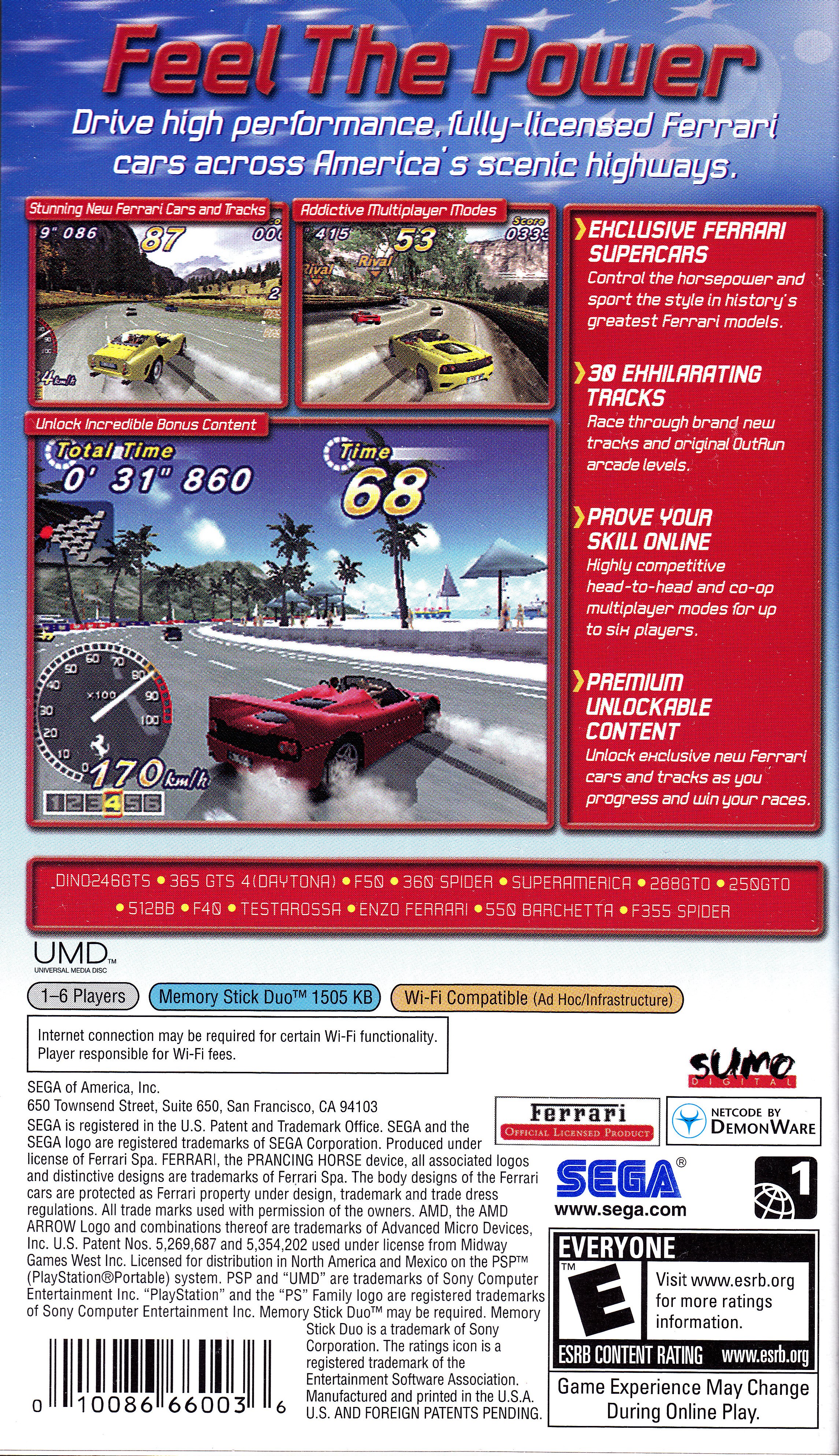
아웃런 2006: 코스트 2 코스트 (OutRun 2006: Coast 2 Coast)
Sony PlayStation Portable · AYN Odin 2 Portal Max · PPSSPP · 성능 등급 완벽
emulog 설정 해석
| 구성 | AYN Odin 2 Portal Max + PPSSPP |
|---|---|
| 에뮬레이터 빌드 | 1.19.3 |
| 기재된 설정 항목 | 13개 (기본값과 다르게 바꾼 항목 7개) |
| 성능 등급 | 완벽 |
기본값에서 조정된 항목: 비등방성 필터링, 안티앨리어싱 (MSAA), 평균 FPS, 에뮬레이터 버전, 렌더링 해상도, 텍스처 필터링.
등급 판단 근거
이 게임에 등급이 기재된 보고 1건 가운데 이 조합보다 높은 등급은 0건(0%), 같은 등급은 0건입니다. 작성자 코멘트 원문은 972자입니다.
세팅값
| 항목 | 설정값 |
|---|---|
| 비등방성 필터링 | 16 |
| 안티앨리어싱 (MSAA) | 4x MSAA |
| 평균 FPS | 60 |
| 백엔드 | Vulkan (Recommended) |
| 에뮬레이터 버전 | 1.19.3 |
| Fast Memory | 켜짐 |
| 프레임 스킵 | 0 |
| 이펙트 해상도 낮추기 | Off |
| 멀티스레드 (MT) | 켜짐 |
| 렌더링 해상도 | 100 |
| 텍스처 필터링 | Auto Max Quality |
| 텍스처 스케일링 | Hybrid |
| VSync | 꺼짐 |
작성자 코멘트(인용)
아래 코멘트는 EmuReady 사용자가 작성한 원문이며, emulog 은 한국어 번역과 위 해석만 추가했습니다.
🎮 인터랙티브 버전으로 열기Portal이 Performance 전원 모드에 있습니다. Anti-Aliasing을 사용하지 않으면 Standard 모드도 가능할 듯합니다. 1080p 60FPS, 4x MSAA로 완벽히 실행됩니다. 몇 가지 설정 팁: PPSSPP Settings > System: - **Change emulated PSP's CPU clock** → **333** (60FPS 보장) - **I/O timing method** → **Host (bugs, less lag)** (전환 단계 끊김 해소) Graphics 설정 (화질 향상): - Rendering resolution: 4x PSP (1080p) - Antialiasing (MSAA): 4x - Display resolution (HW scaler): Native device resolution - Buffer graphics commands: No buffer - Upscale type: Hybrid + Bicubic - Upscale level: 3x - Deposterize: 체크 Graphics > Display layout & effects: - Screen scaling filter: Nearest - Integer scale factor: 체크 - (선택) Sharpen 필터 값 약 0.20 Hybrid + Bicubic이 느려지면 Text2xBRZ GPU 텍스처 업스케일러를 사용하면 빠르고 품질도 좋습니다.
Portal is in Performance power mode. Can probably run Standard if not using Anti-Aliasing. Runs perfectly at 1080p 60 FPS with 4x MSAA with a few tweaks: In PPSSPP Settings > System, set: - Set **Change emulated PSP's CPU clock** to **333** *(ensures 60 FPS)* - Set **I/O timing method** to **Host (bugs, less lag)** *(fixes stutter during transition stages)* For better image quality, set Graphics settings to: - Rendering resolution: 4x PSP (1080p) - Antialiasing (MSAA): 4x - Display resolution (HW scaler): Native device resolution - Buffer graphics commands (faster, input lag): No buffer - Upscale type: Hybrid + Bicubic - Upscale level: 3x - Deposterize: Checked In Graphics > Display layout & effects: - Screen scaling filter: Nearest - Integer scale factor: Checked - (Optional) Add a Sharpen filter with a value around 0.20 If the *Hybrid + Bicubic* causes slowdown, using the *Text2xBRZ* GPU texture upscaler is a faster alternative with good quality.