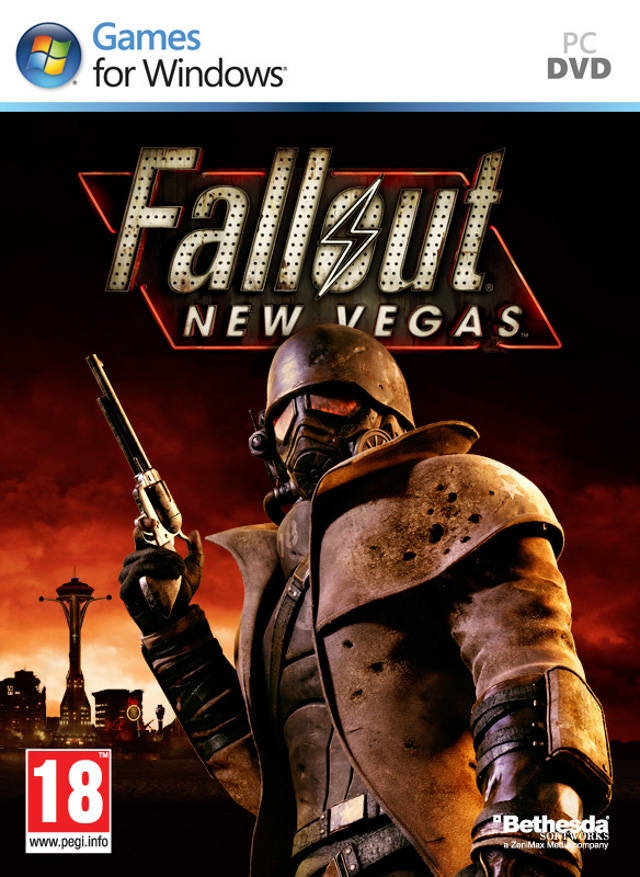
폴아웃: 뉴 베가스 (Fallout: New Vegas)
Microsoft Windows · Retroid Pocket 6 · GameNative · 성능 등급 훌륭함
기기 스펙
| SoC | Qualcomm Snapdragon 8 Gen 2 |
|---|---|
| CPU | Cortex-X3 / Cortex-A715 / Cortex-A710 / Cortex-A510 1x / 2x / 2x / 3x |
| GPU | Qualcomm Adreno 740 |
| RAM | 8 GB / 12 GB LPDDR5X |
| 화면 | 5.5 inch |
| 해상도 | 1920 x 1080 |
| 성능 티어 | 2 |
emulog 설정 해석
| 구성 | Retroid Pocket 6 + GameNative |
|---|---|
| 에뮬레이터 빌드 | 0.8.0 |
| 기재된 설정 항목 | 13개 (기본값과 다르게 바꾼 항목 10개) |
| 성능 등급 | 훌륭함 |
기본값에서 조정된 항목: 에뮬레이터 버전, 해상도 (화면 크기), 오디오 드라이버, 그래픽 드라이버, DXVK 버전, DX Wrapper 설정 (버전, 프레임 속도, 최대 메모리).
등급 판단 근거
이 게임에 등급이 기재된 보고 23건 가운데 이 조합보다 높은 등급은 4건(17%), 같은 등급은 9건입니다. 동일 에뮬레이터(GameNative)로 다른 기기에서 올라온 보고는 7건입니다. 작성자 코멘트 원문은 1,228자입니다.
같은 에뮬레이터의 다른 기기 결과
- AYN Thor Pro — 훌륭함
- AYN Thor Max — 훌륭함
- Anbernic RG556 — 훌륭함
- Samsung Galaxy S23 Ultra (SD) — 플레이 가능
- RedMagic 11 Pro — 플레이 가능
세팅값
| 항목 | 설정값 |
|---|---|
| 에뮬레이터 버전 | 0.8.0 |
| 해상도 (화면 크기) | 1280x720 |
| 오디오 드라이버 | PulseAudio |
| 그래픽 드라이버 | Turnip (Adreno) |
| DX 래퍼 | DXVK |
| DXVK 버전 | 2.4-gplasync |
| DX Wrapper 설정 (버전, 프레임 속도, 최대 메모리) | version=2.4.1-gplasync,framerate=0,maxDeviceMemory=0,async=1,asyncCache=1,vkd3dVersion=2.14.1,vkd3dLevel=12_1,ddrawrapper=none,csmt=3,gpuName=NVIDIA GeForce GTX 480,videoMemorySize=2048,strict_shader_math=1,OffscreenRenderingMode=fbo,renderer=gl |
| 시작 선택 | Essential (Load only essential services) |
| Box64 버전 | 0.3.6 |
| Box64 프리셋 | Compatibility |
| 환경 변수 | WRAPPER_MAX_IMAGE_COUNT=0 ZINK_DESCRIPTORS=lazy ZINK_DEBUG=compact MESA_SHADER_CACHE_DISABLE=false MESA_SHADER_CACHE_MAX_SIZE=512MB mesa_glthread=true WINEESYNC=1 MESA_VK_WSI_PRESENT_MODE=mailbox TU_DEBUG=noconform DXVK_FRAME_RATE=60 PULSE_LATENCY_MSEC=144 DXVK_HUD=fps |
| 평균 FPS | 58 |
| 스크린샷, 블로그 게시물 등 | https://imgur.com/a/42Q4Av6 |
작성자 코멘트(인용)
아래 코멘트는 EmuReady 사용자가 작성한 원문이며, emulog 은 한국어 번역과 위 해석만 추가했습니다.
🎮 인터랙티브 버전으로 열기Tale of Two Wastelands 구동 성공! 먼저 PC에서 [Best of Times](https://thebestoftimes.moddinglinked.com/intro.html) 가이드를 따라 모든 설정을 마쳤습니다. 마지막 단계 후, MO2에 7zip File Manager를 프로그램으로 추가하고 모든 모드가 설치된 상태로 실행했습니다. 게임 폴더(예: GOG Galaxy\Games\Fallout New Vegas 및 \Fallout 3)로 이동하여 GOG Galaxy 폴더 전체를 압축했습니다. \Modding\The Best of Times\mods에 있는 Tale of Two Wastelands 폴더를 압축했습니다. 모드 로드 순서를 유지하기 위해 두 zip 파일을 micro SD 카드로 옮겨 그곳에서 압축을 풀었습니다. 게임을 실행하기 전, FalloutNVLauncher.exe에 'Play' 대신 'Install' 버튼이 뜨는 문제가 발생했습니다. 컨테이너를 열고 FalloutNV 게임 폴더 내의 beth_registry.cmd를 실행하여 레지스트리 경로를 수정해 해결했습니다. [beth_registry 다운로드 링크](https://support.gog.com/hc/en-us/articles/115003633889-Fallout-New-Vegas-Greyed-out-options-or-missing-Play-button-in-the-launcher?product=gog) 성능 면에서는 지금까지 대부분 안정적인 60 fps를 유지합니다. 건물 진입 시, 격렬한 전투 중, 또는 Capital Wasteland 탐색 시 약간의 스터터링(50fps 초반까지 하락)이 있습니다.
Got Tale of Two Wastelands working! I set everything up on my PC first by following the [Best of Times](https://thebestoftimes.moddinglinked.com/intro.html) guide. After the final steps, I added 7zip File Manager as a program in MO2 and opened it with all mods installed. I navigated to my game folder (e.g. GOG Galaxy\Games\Fallout New Vegas and \Fallout 3) and zipped the entire GOG Galaxy folder. Zipped the Tale of Two Wastelands folder located in \Modding\The Best of Times\mods. Transferred both zip files to the micro SD card and extracted them there to ensure the mod load order stayed intact. Before I could play the game, I ran into an issue where the FalloutNVLauncher.exe showed an "Install" button instead of "Play." I fixed this by opening the container and running beth_registry.cmd inside the FalloutNV game folder to fix the registry paths. [link to download beth_registry](https://support.gog.com/hc/en-us/articles/115003633889-Fallout-New-Vegas-Greyed-out-options-or-missing-Play-button-in-the-launcher?product=gog) Performance wise, mostly a solid 60 fps so far. There is some minor stuttering (dips to the low 50s) when entering buildings, during heavy combat, or while exploring the Capital Wasteland.