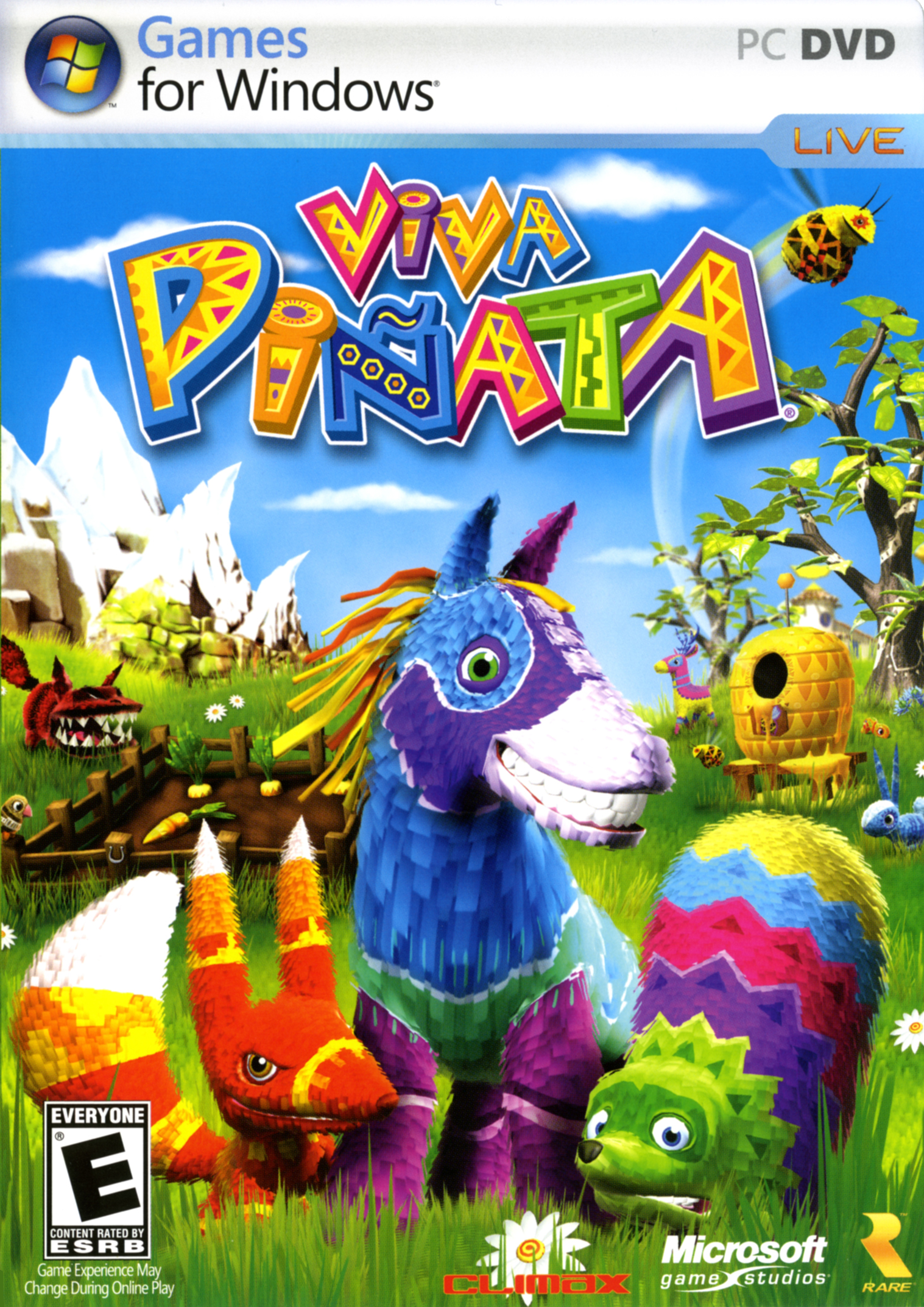
비바 피냐타 (Viva Piñata)
Microsoft Windows · Samsung Galaxy Tab S9 Ultra · Winlator · 성능 등급 완벽
emulog 설정 해석
| 구성 | Samsung Galaxy Tab S9 Ultra + Winlator |
|---|---|
| 에뮬레이터 빌드 | 10 (Beta 2) |
| 기재된 설정 항목 | 16개 (기본값과 다르게 바꾼 항목 14개) |
| 성능 등급 | 완벽 |
기본값에서 조정된 항목: 오디오 드라이버, 평균 FPS, Box64 프리셋, Box64 버전, 컨트롤러 지원, DX Wrapper 설정 (버전, 프레임 속도, 최대 메모리).
등급 판단 근거
이 게임에 등급이 기재된 보고 3건 가운데 이 조합보다 높은 등급은 0건(0%), 같은 등급은 2건입니다. 동일 에뮬레이터(Winlator)로 다른 기기에서 올라온 보고는 2건입니다. 작성자 코멘트 원문은 611자입니다.
같은 에뮬레이터의 다른 기기 결과
세팅값
| 항목 | 설정값 |
|---|---|
| 오디오 드라이버 | PulseAudio |
| 평균 FPS | 60 |
| Box64 프리셋 | Compatibility |
| Box64 버전 | 0.3.4 |
| 컨트롤러 지원 | 켜짐 |
| DX 래퍼 | DXVK |
| DX Wrapper 설정 (버전, 프레임 속도, 최대 메모리) | Version: 2.5.2 Frame Rate: 0 (Uncapped) Max Device Memory: 0 (No limit) |
| 다운로드 크기 | 4.5 GB |
| 에뮬레이터 버전 | 10 (Beta 2) |
| 환경 변수 | Default |
| 게임 버전 | Retail DVD |
| 그래픽 드라이버 | Turnip (Adreno) 25.0.0 |
| 해상도 (화면 크기) | 800 x 600 |
| 시작 선택 | Aggressive (Stop services on startup) |
| Wine 버전 | 9.2 |
| Winlator 포크 | official |
작성자 코멘트(인용)
아래 코멘트는 EmuReady 사용자가 작성한 원문이며, emulog 은 한국어 번역과 위 해석만 추가했습니다.
🎮 인터랙티브 버전으로 열기Xliveless 패치를 사용했습니다. 런처를 비활성화하려면 게임을 한 번 직접 실행한 뒤 C:/users/xuser/AppData/Roaming/Microsoft Games/Viva Pinata/Startup.xml(또는 설치 폴더에 있는 Startup.xml) 파일을 열어 <Startup DontShow="true" DontShowUntilNew="true" ContentVersion="1"/> 로 수정하고 저장한 뒤 게임을 다시 실행하세요. 배경의 특정 풀 패치에서 조명이 깜빡입니다. 표준 컨트롤러에서는 정상 작동하지만, Xbox DuchesS Controller(오리지널 Xbox 복고 컨트롤러)에서는 오른쪽 썸스틱이 작동하지 않습니다.
Used with the Xliveless patch. Make sure to disable the launcher by starting it directly once and then going to C:/users/xuser/AppData/Roaming/Microsoft Games/Viva Pinata/Startup.xml (or Startup.xml in your install folder if it's not there.) and editing it to read <Startup DontShow=""true"" DontShowUntilNew=""true"" ContentVersion=""1""/> then save it and launch the game again. Lighting on certain patches of grass in the background flicker. Strangely it works fine with standard controllers except the Xbox DuchesS Controller (the Original Xbox throwback controller) where the right thumbstick doesn't work.