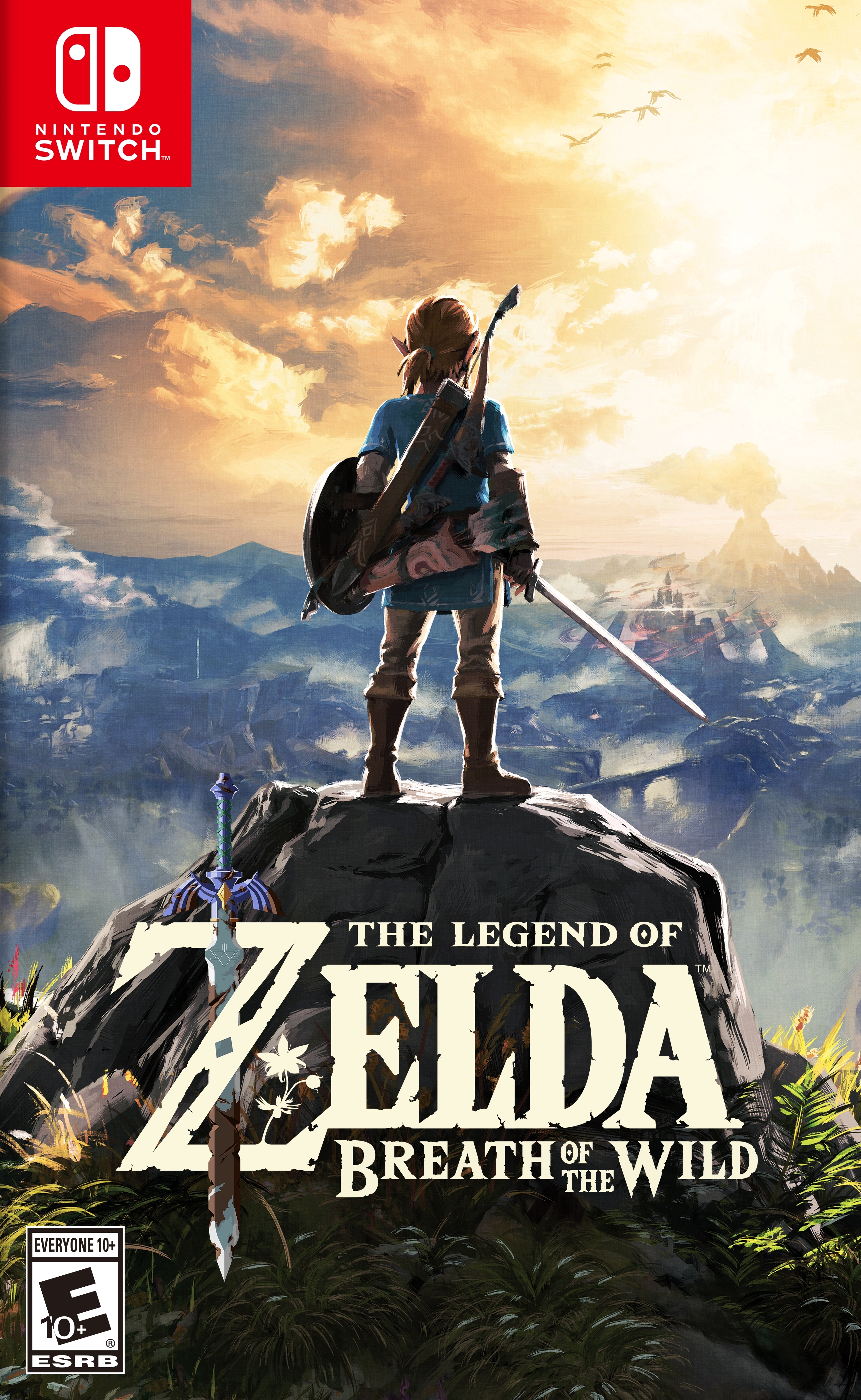
젤다의 전설: 야생의 숨결 (The Legend of Zelda: Breath of the Wild)
Nintendo Switch · AYANEO KONKR Pocket FIT (G3 Gen 3) · Eden · 성능 등급 완벽
기기 스펙
| SoC | Qualcomm Snapdragon G3 Gen 3 |
|---|---|
| CPU | Qualcomm Kryo 1x Prime / 5x Performance / 2x Efficiency |
| GPU | Qualcomm Adreno A33 |
| RAM | 8 / 12 / 16 GB LPDDR5X (8533 MT/s) |
| 화면 | 6.0 inch |
| 해상도 | 1920 x 1080 |
| 성능 티어 | 3 |
emulog 설정 해석
| 구성 | AYANEO KONKR Pocket FIT (G3 Gen 3) + Eden |
|---|---|
| 에뮬레이터 빌드 | 0.1.1 (Standard) |
| 그래픽 드라이버 | [Mr. Purple Turnip] turnip_mrpurple-T19-toasted.adpkg |
| 기재된 설정 항목 | 32개 (기본값과 다르게 바꾼 항목 17개) |
| 성능 등급 | 완벽 |
기본값에서 조정된 항목: 에뮬레이터 버전, 드라이버 버전, 비동기 셰이더 사용, 안티앨리어싱 방식, VSync 모드, 창 적응형 필터.
등급 판단 근거
이 게임에 등급이 기재된 보고 121건 가운데 이 조합보다 높은 등급은 0건(0%), 같은 등급은 32건입니다. 동일 에뮬레이터(Eden)로 다른 기기에서 올라온 보고는 101건입니다. 작성자 코멘트 원문은 847자입니다.
같은 에뮬레이터의 다른 기기 결과
- AYN Odin 2 — 완벽
- AYN Odin 2 Max — 완벽
- AYN Thor Base — 완벽
- AYN Thor Pro — 완벽
- Retroid Pocket 6 — 완벽
세팅값
| 항목 | 설정값 |
|---|---|
| 에뮬레이터 버전 | 0.1.1 (Standard) |
| 드라이버 버전 | [Mr. Purple Turnip] turnip_mrpurple-T19-toasted.adpkg (배포 파일: turnip_mrpurple-T19-toasted.adpkg.zip) |
| 독 모드 | 꺼짐 |
| 속도 제한 | 켜짐 |
| 정확도 수준 | Normal |
| 해상도 | 1 |
| 디스크 셰이더 캐시 | 켜짐 |
| 비동기 셰이더 사용 | 켜짐 |
| 리액티브 플러싱 사용 | 꺼짐 |
| 안티앨리어싱 방식 | FXAA |
| VSync 모드 | Immediate (Off) |
| 비등방성 필터링 | Default |
| 창 적응형 필터 | AMD FidelityFX - Super Resolution |
| 오디오 출력 엔진 | cubeb |
| GPU API | Vulkan |
| CPU 정확도 | Auto |
| CPU 백엔드 | Native code execution (NCE) |
| 확장 동적 상태 (Extended Dynamic State) | 3 |
| Provoking Vertex | 켜짐 |
| 디스크립터 인덱싱 | 켜짐 |
| 향상된 프레임 페이싱 | 켜짐 |
| 빠른 GPU 시간 사용 | 켜짐 |
| VRAM 사용 모드 | Conservative |
| NVDEC 에뮬레이션 | GPU |
| ASTC 재압축 방식 | Uncompressed |
| SPIRV 출력 최적화 | On Load |
| 빠른 CPU 시간 | 꺼짐 |
| LRU 캐시 활성화 | 켜짐 |
| 코어 속도 동기화 | 켜짐 |
| 게임 버전 | 1.6.0 and/or 1.8.2 |
| 스크린샷, 블로그 게시물 등 | https://postimg.cc/gallery/Hr0qZzC |
| 평균 FPS | 30 |
작성자 코멘트(인용)
아래 코멘트는 EmuReady 사용자가 작성한 원문이며, emulog 은 한국어 번역과 위 해석만 추가했습니다.
완벽하지만 몇 가지 트윅/팁이 필요합니다. **오직 720p/810p에서만!** 1. 잔디의 검은 선을 없애려면 게임을 720p + FSR(50%) + FXAA로 설정하세요. (또는 X0.75 해상도(810p+FSR)로 설정 가능하지만 글꼴이 흐릿해집니다.) (버그는 스크린 3, 해결 방법은 스크린 4) 2. 흰 물을 고치려면 DMA를 활성화하세요. (버그는 스크린 8, 해결 방법은 스크린 9) 3. 첫 번째 방법으로도 충분하지 않을 경우: 게임의 셰이더 캐시를 지우고 비디오 옵션 → GPU Mode: Accurate 로 실행한 뒤, 게임 내에서 물이 정상인지 확인합니다. 정상이라면 화면 왼쪽의 "Quick settings" 메뉴에서 GPU Mode: Fast 로 전환해 30fps를 복원하세요. 4. 사당의 효과 버그를 고치려면 Turnip 19 드라이버(Mr. Purple)를 사용하세요. Pocket Fit 모드: **Balanced** **스크린샷 제공**
Perfect, but with some tweaks/tips, and **only in 720p/810p!** 1. To fix the black lines on the grass: set the game to 720p + FSR (50%) + FXAA. (You can also set the game to X0.75 resolution (810p+FSR), but the fonts will be blurry.) (Bug visible on screen 3 and the fix on screen 4) 2. To fix the white water: enable DMA: Sure. (Bug visible on screen 8 and the fix on screen 9) 3. To fix the white water if the first fix isn't enough: clear the game's shader cache, launch the game with the video option -> GPU Mode: Accurate, then once in the game, check if the water is correct. If it is, use the "Quick settings" menu (on the left side of the screen) and set GPU Mode: Fast to restore your 30fps. 4. To fix the effect bugs in the shrines: Use the Turnip 19 driver (Mr. Purple). Pocket Fit in mode: **Balanced** **Screenshots available.**