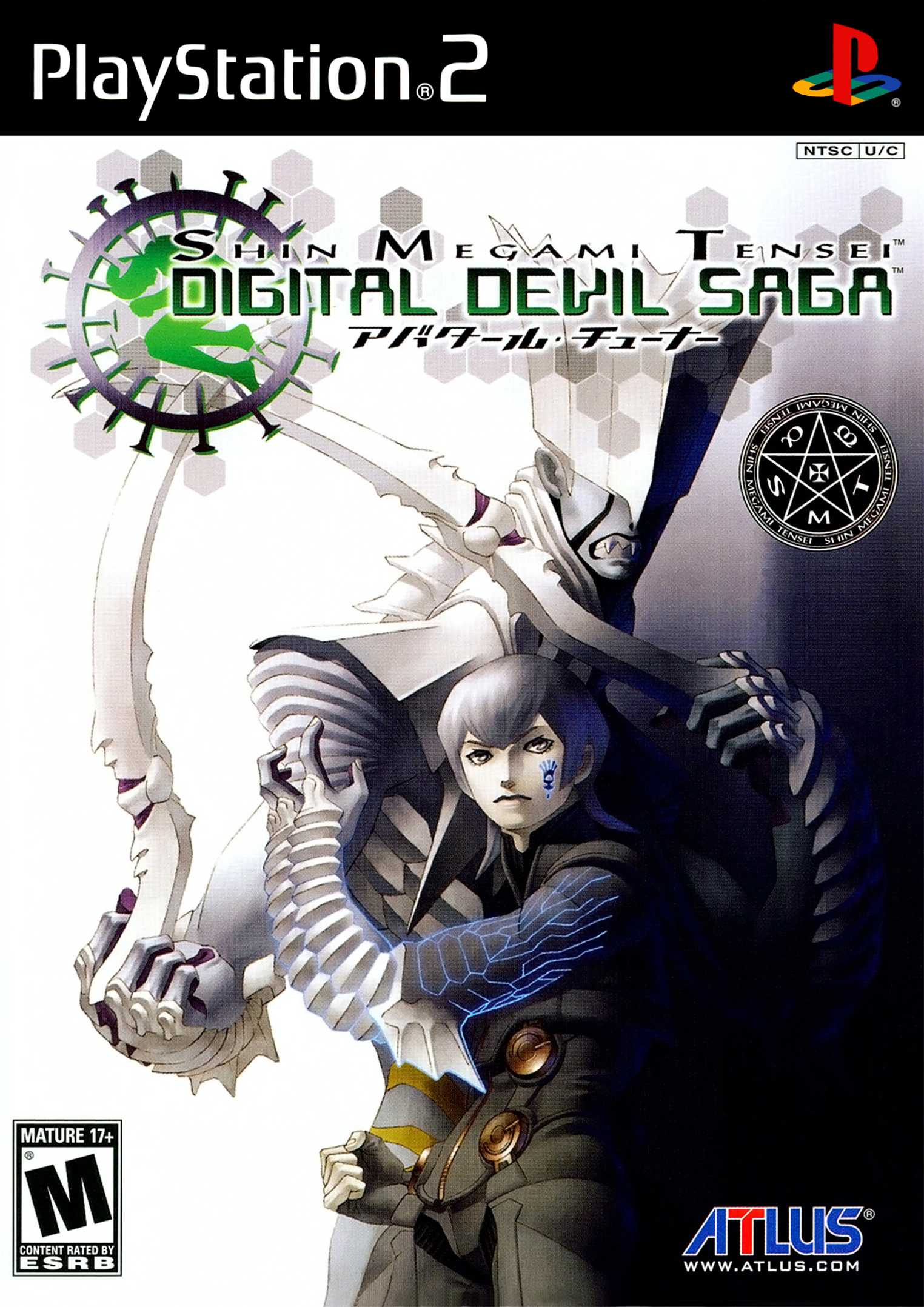
디지털 데빌 사가 (Shin Megami Tensei: Digital Devil Saga)
Sony PlayStation 2 · Xiaomi Redmi 10C · AetherSX2 · 성능 등급 플레이 가능
emulog 설정 해석
| 구성 | Xiaomi Redmi 10C + AetherSX2 |
|---|---|
| 에뮬레이터 빌드 | v2.0-3668 |
| 기재된 설정 항목 | 12개 (기본값과 다르게 바꾼 항목 5개) |
| 성능 등급 | 플레이 가능 |
기본값에서 조정된 항목: 에뮬레이터 버전, 스피드 핵 활성화, Fast CDVD, 렌더러, 업스케일 배수.
등급 판단 근거
이 게임에 등급이 기재된 보고 1건 가운데 이 조합보다 높은 등급은 0건(0%), 같은 등급은 0건입니다. 작성자 코멘트 원문은 695자입니다.
세팅값
| 항목 | 설정값 |
|---|---|
| BIOS 지역 | USA (NTSC-U) |
| 에뮬레이터 버전 | v2.0-3668 |
| 스피드 핵 활성화 | 켜짐 |
| FXAA 셰이더 | 꺼짐 |
| Fast CDVD | 켜짐 |
| 프레임 페이싱 | 켜짐 |
| 내부 해상도 | 1 |
| 멀티스레드 VU | 켜짐 |
| 렌더러 | OpenGL ES |
| 텍스처 필터링 | Bilinear (PS2) |
| 스레딩 모드 | Multi-threaded (Default) |
| 업스케일 배수 | 1.5 |
작성자 코멘트(인용)
아래 코멘트는 EmuReady 사용자가 작성한 원문이며, emulog 은 한국어 번역과 위 해석만 추가했습니다.
🎮 인터랙티브 버전으로 열기Trixarian이 만든 NetherSX2 Classic Fork 사용 필요 설정: - Disable Readbacks (대폭 느려짐을 방지하지만 그래픽 오류 발생) - Disable Depth Emulation (Readbacks 비활성화 시 발생하는 그래픽 오류 해결) - EE Cycle Rate: 50 (-3) - EE Cycle Skip: Mild Underclock (1) - Instant VU1: Disabled 해상도 1.5배까지 플레이 가능하지만 일부 구간에서 느려짐이 있습니다. 1배 해상도에서도 느려짐 수치는 1.5배와 동일합니다. 고해상도에서는 인터레이싱 지연이 크게 나타나 전투 시 눈에 띕니다. 선택한 해상도에 따라 “De‑interlacing” 옵션을 조정해 최소화할 수 있습니다.
Used the NetherSX2 Classic Fork by Trixarian Settings need to enable/adjust: - Disable Readbacks (to fix the massive slowdown, but will make graphic issues) - Disable Depth Emulation (fixes the graphic issues caused by disabled readbacks) - EE Cycle Rate: 50 (-3) - EE Cycle Skip: Mild Underclock (1) - Instant VU1: Disabled Game is playable with Resolution enhancements up to 1.5x with slowdowns on certain parts of the game. For some reason, even at 1x reso, the slowdown values are still the same from 1.5x. Slowdowns affect interlacing a lot on higher resolution and is noticable on battles, you can tweak "De-interlacing" options to minimize that, depending on the selected resolution.