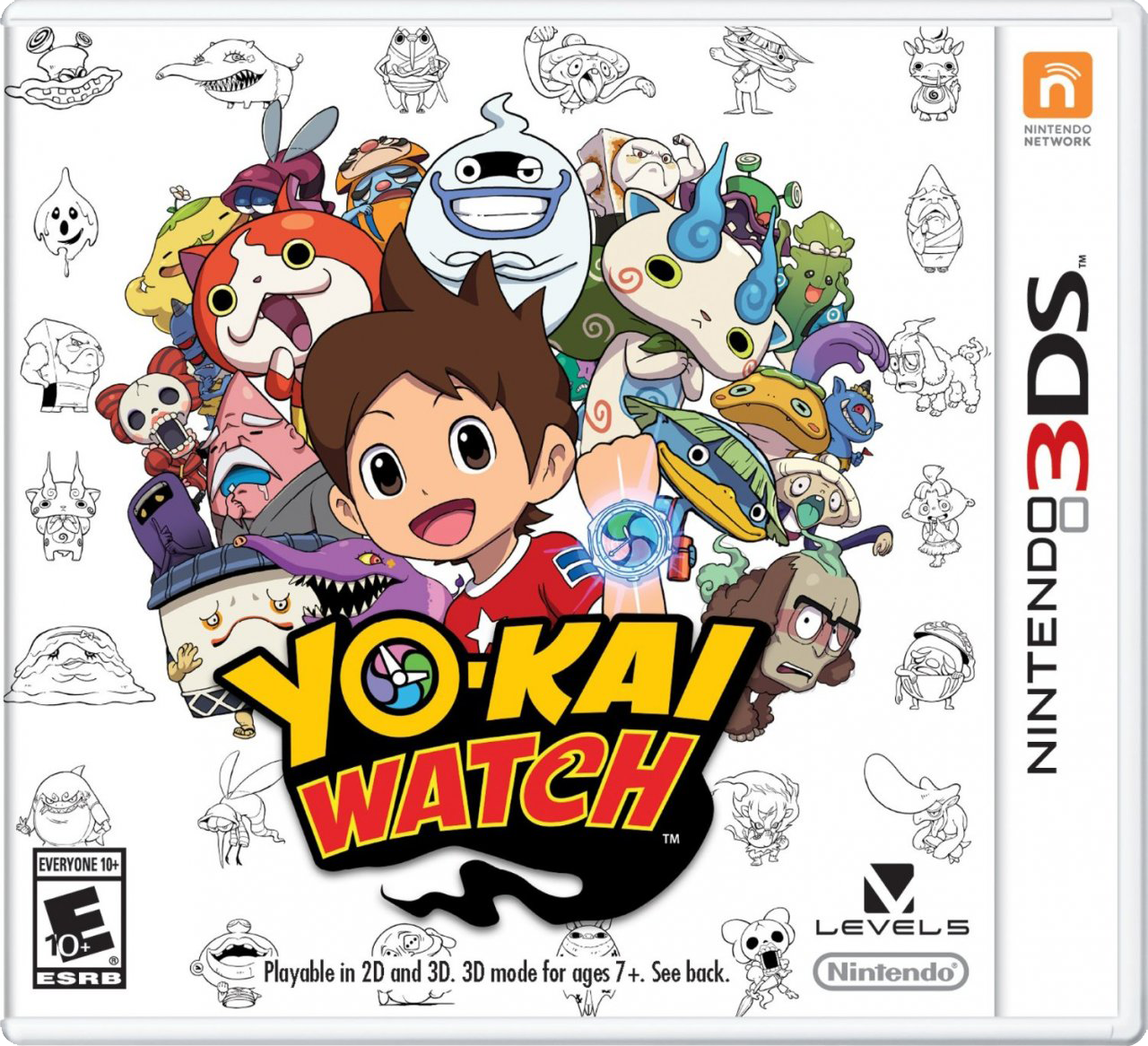
요괴워치 (Yo-kai Watch)
Nintendo 3DS · MANGMI Air X · Azahar · 성능 등급 플레이 가능
기기 스펙
| SoC | Qualcomm Snapdragon 662 |
|---|---|
| CPU | Cortex-A73 / Cortex-A53 4x / 4x |
| GPU | Qualcomm Adreno 610 |
| RAM | 4 GB LPDDR4X |
| 화면 | 5.5 inch |
| 해상도 | 1920 x 1080 |
| 성능 티어 | 1 |
emulog 설정 해석
| 구성 | MANGMI Air X + Azahar |
|---|---|
| 에뮬레이터 빌드 | df9f2b7db-vanilla (AzaharPlus) |
| 그래픽 드라이버 | [Mr. Purple Turnip] turnip_mrpurple-T21-toasted.adpkg |
| 기재된 설정 항목 | 18개 (기본값과 다르게 바꾼 항목 8개) |
| 성능 등급 | 플레이 가능 |
기본값에서 조정된 항목: 정확한 곱셈, 평균 FPS, 게임 렌더 스레드 지연, 에뮬레이터 버전, 비동기 셰이더 컴파일 활성화, V-Sync 활성화.
등급 판단 근거
이 게임에 등급이 기재된 보고 4건 가운데 이 조합보다 높은 등급은 2건(50%), 같은 등급은 1건입니다. 동일 에뮬레이터(Azahar)로 다른 기기에서 올라온 보고는 1건입니다. 작성자 코멘트 원문은 1,679자입니다.
같은 에뮬레이터의 다른 기기 결과
- Google Pixel 10 — 플레이 가능
세팅값
| 항목 | 설정값 |
|---|---|
| 정확한 곱셈 | 켜짐 |
| 평균 FPS | 30 |
| CPU JIT | 켜짐 |
| 게임 렌더 스레드 지연 | 0 |
| LLE 모듈 시작 지연 | 켜짐 |
| SPIR-V 옵티마이저 비활성화 | 켜짐 |
| 디스크 셰이더 캐시 | 켜짐 |
| 에뮬레이터 버전 | df9f2b7db-vanilla (AzaharPlus) |
| 비동기 셰이더 컴파일 활성화 | 켜짐 |
| 하드웨어 셰이더 활성화 | 켜짐 |
| SPIR-V 셰이더 생성 활성화 | 켜짐 |
| V-Sync 활성화 | 꺼짐 |
| 그래픽 API | Vulkan |
| 그래픽 드라이버 | [Mr. Purple Turnip] turnip_mrpurple-T21-toasted.adpkg (배포 파일: turnip_mrpurple-T21-toasted.adpkg.zip) |
| 내부 해상도 | native |
| 선형 필터링 | 켜짐 |
| 입체 3D 모드 | Off |
| 텍스처 필터 | None |
작성자 코멘트(인용)
아래 코멘트는 EmuReady 사용자가 작성한 원문이며, emulog 은 한국어 번역과 위 해석만 추가했습니다.
🎮 인터랙티브 버전으로 열기성능은 전반적으로 좋지만 일부 구간에서 급격히 느려집니다. - 버그/요괴를 잡거나 찾을 때 16‑20fps (발견 직후, 전투/탐험으로 이동하면 30fps 복귀) - 전투 진입 시 16fps (모든 전투) - 방금 친 요괴/메달을 받은 요괴 표시 시 13fps (스크립트 요괴에만 해당, 일반 요괴는 30fps 유지) 2배 해상도는 과부하로 불가능합니다. 일부 장면은 30fps, 대부분 23‑28fps. T21-toasted 드라이버 사용 시 2배 해상도에서 픽셀화가 심해집니다. 기본 드라이버는 2배 해상도를 잘 처리하지만 T21-toasted가 해결하는 캐릭터 스프라이트 문제는 사라집니다. **Emulator & Settings** - AzaharPlus: 안정적인 프레임, Azahar는 25‑28fps 변동 - T21-toasted driver: 대화 중 캐릭터 스프라이트에 생기는 이상 라인 제거 - Vulkan: OpenGL과 동일하게 작동하지만 타운 이동 시 stutter가 적음 - Accurate Multiplication ON: 모델을 올바르게 표시 (예: OFF일 때 버그는 다리 두껍게 보임) **Testing**: 1‑2장 완료, 약 2.5시간 테스트
**Good performance, but some slowdown** - Performance is actually really good, playing at **30 fps** almost all the time. Unfortunately, there are multiple sections with significant slowdown, often over some of the important/commonly played sections of the game. The slowdowns I saw where: - **16-20 fps when displaying caught or found bug/yo-kai** This only occurs immediately after their discovery, once you move on to combat/exploration performance returns to a solid 30 fps - **16 fps when entering a battle** Applies for all battle encounters - **13 fps when displaying the yo-kai you just befriended/got a medal from** **Important**: This only applies for scripted yo-kais, when befriending a yo-kai through a "normal" encounter the framerate stays at 30 fps Know that 2x is not possible, simply too demanding. You can see 30 fps in some scenes, but mostly 23-28 fps. Also, with the T21-toasted driver the game becomes over-pixelated at 2x resolution. Native drivers can handle 2x well, but then you lose the fix for character sprites that T21-toasted solves (further explained below). **Emulator & Settings** - - **AzaharPlus** Has a stable framerate, meanwhile, Azahar fluctuates 25-28 fps - **T21-toasted driver** Without it, almost every single character sprite has weird lines over and around them during dialogue. This driver fixes that issue - **Vulkan** Plays just as well as **OpenGL**, but doesn't suffer from heavy stutter when walking around town as OpenGL does - **Accurate Multiplication ON** Corrects some models so that they are presented correctly. E.g. Bugs have fat legs with it OFF. **Testing**: Completed first 2 chapters, rougly 2.5h total testing