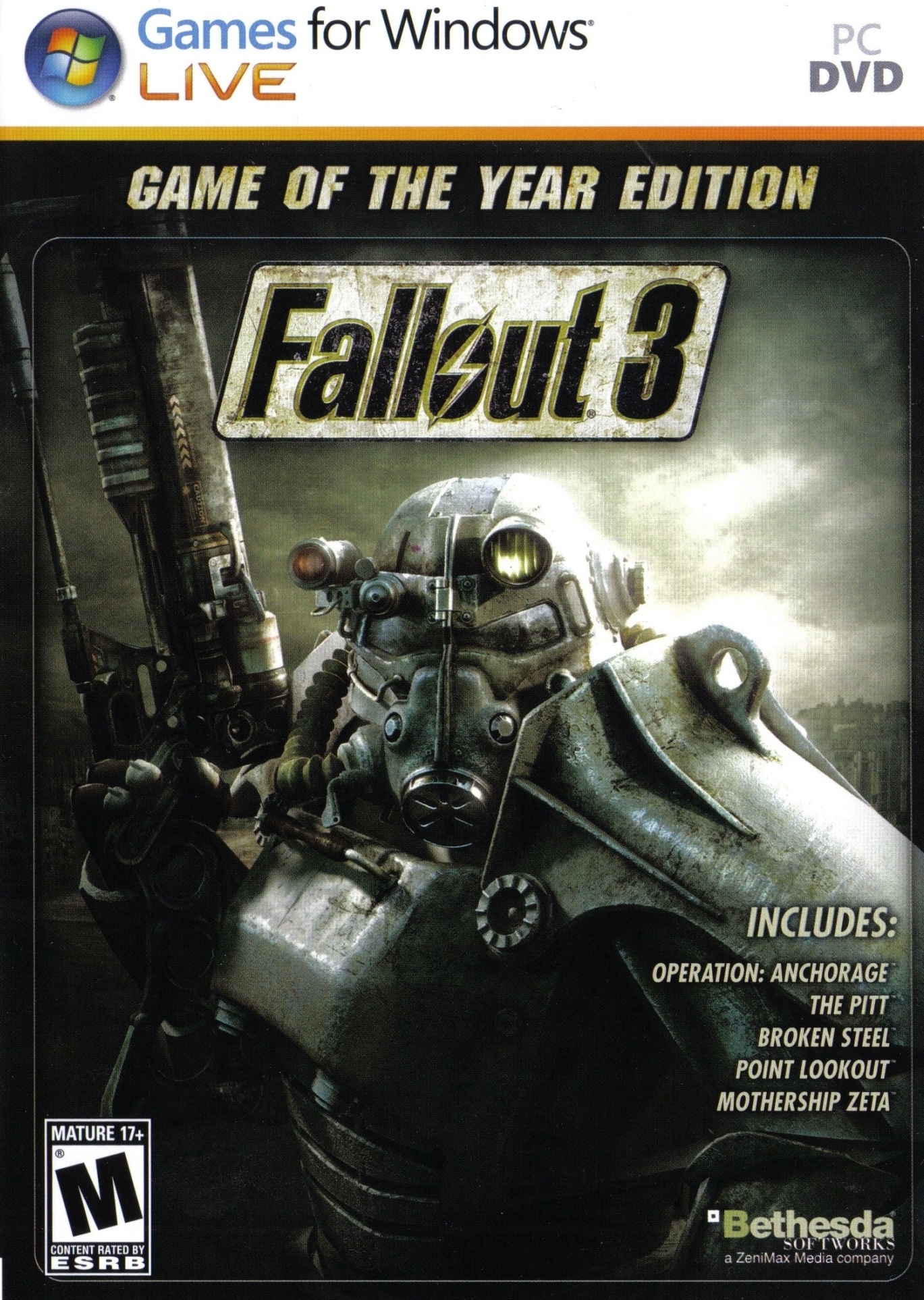
폴아웃 3 (Fallout 3: Game of the Year Edition)
Microsoft Windows · Retroid Pocket 6 · GameNative · 성능 등급 훌륭함
기기 스펙
| SoC | Qualcomm Snapdragon 8 Gen 2 |
|---|---|
| CPU | Cortex-X3 / Cortex-A715 / Cortex-A710 / Cortex-A510 1x / 2x / 2x / 3x |
| GPU | Qualcomm Adreno 740 |
| RAM | 8 GB / 12 GB LPDDR5X |
| 화면 | 5.5 inch |
| 해상도 | 1920 x 1080 |
| 성능 티어 | 2 |
emulog 설정 해석
| 구성 | Retroid Pocket 6 + GameNative |
|---|---|
| 에뮬레이터 빌드 | v.0.8.1 |
| 그래픽 드라이버 | Default System Driver |
| 기재된 설정 항목 | 23개 (기본값과 다르게 바꾼 항목 4개) |
| 성능 등급 | 훌륭함 |
기본값에서 조정된 항목: 에뮬레이터 버전, 오디오 드라이버, 동적 드라이버 버전, Steam Input 사용.
등급 판단 근거
이 게임에 등급이 기재된 보고 27건 가운데 이 조합보다 높은 등급은 17건(63%), 같은 등급은 5건입니다. 동일 에뮬레이터(GameNative)로 다른 기기에서 올라온 보고는 8건입니다. 작성자 코멘트 원문은 1,247자입니다.
같은 에뮬레이터의 다른 기기 결과
- Google Pixel 9 Pro — 완벽
- AYN Odin 3 Max — 완벽
- RedMagic 11 Pro — 완벽
- AYN Thor Max — 완벽
- Retroid Pocket G2 — 완벽
세팅값
| 항목 | 설정값 |
|---|---|
| 컨테이너 변형 | bionic |
| 에뮬레이터 버전 | v.0.8.1 |
| Wine 버전 | proton-9.0-arm64ec |
| 해상도 (화면 크기) | 1280x720 (16:9) |
| 오디오 드라이버 | pulse |
| Steam 유형 | normal |
| 동적 드라이버 버전 | Default System Driver |
| 그래픽 드라이버 | Vortek (Universal) |
| DX 래퍼 | DXVK |
| DXVK 버전 | 2.6.1-gplasync |
| 최대 장치 메모리 | 0 |
| Adrenotools Turnip 사용 | 켜짐 |
| 시작 선택 | Aggressive (Stop services on startup) |
| 32비트 에뮬레이터 | fex |
| 64비트 에뮬레이터 | fex |
| Box64 버전 | 0.3.6 |
| Box64 프리셋 | compatibility |
| FEXCore 버전 | 2603 |
| FEXCore 프리셋 | intermediate |
| DirectInput 매퍼 유형 | standard |
| DirectInput API 활성화 | 켜짐 |
| XInput API 활성화 | 켜짐 |
| Steam Input 사용 | 켜짐 |
작성자 코멘트(인용)
아래 코멘트는 EmuReady 사용자가 작성한 원문이며, emulog 은 한국어 번역과 위 해석만 추가했습니다.
🎮 인터랙티브 버전으로 열기이 설정은 게임의 Steam 버전에 적용됩니다. Retroid Pocket 6 12GB 모델에서 테스트했습니다. **컨테이너 설정:** - 알려진 config로 실행 - 'Launch Steam Client' 활성화 - 마우스 클릭 기능을 위한 터치 컨트롤 활성화 - 'legacy DRM' 활성화(필수는 아니지만 켰음) - Suspect Behavior를 'Never Suspend'로 설정(일시 정지 시 항상 크래시) **설정 단계:** - 첫 실행 시 게임이 시작되지 않음 - Steam Launcher 활성화 → 첫 실행 시 설치가 완료됨 - 설치가 완료되면 컨테이너를 열어 설치 폴더에서 'FalloutPrefs.ini' 삭제, 문서 폴더의 'Fallout.ini'도 삭제 → 다음 실행 시 파일이 올바르게 생성됨 - 다음 실행 시 런처에서 선호 옵션 설정(저사양 및 720p 선택) → 저장 후 "Play" 클릭 - 이제 게임이 정상적으로 실행됩니다. **주의사항:** - "are you a boy or girl" 선택 화면에서 멈추면 게임을 종료하고 다시 실행하면 정상 작동합니다. - 1분 정도 방치하면 게임이 멈추는 현상이 있습니다. 아직 해결책을 찾지 못했습니다.
This config applies to the Steam version of the game. This was tested on the 12GB variant of the Retroid Pocket 6. **Container Settings:** - Launched via known config. - Ensure 'Launch Steam Client' is enabled. - Ensure touch controls are enabled (for mouse-click functionality with launcher). - Ensure 'legacy DRM' is enabled (not sure if this is critical - but I turned it on). - Set Suspect Behavior to 'Never Suspend' (it always crashes when suspended) **Setup Steps:** - Game will not launch at first 'run' - Enable Steam Launcher - this will ensure install completes upon first run - Once ran with the steam launcher, it will complete the install. close out. - Open container, navigate to install folder and delete 'FalloutPrefs.ini'. Also delete 'Fallout.ini' from your documents folder - this will ensure the next run creates these files correctly. Close out - On next run, set your preferrer options in the launcher (I choose low settings and 720p). Save setting, then click "Play" - The game should now successfuly play **NOTES:** - If the game freezes at the "are you a boy or girl" selector, close out and open the game again. It should run after that. - Game tends to freeze if left alone for a minute or so. No fix identified yet.