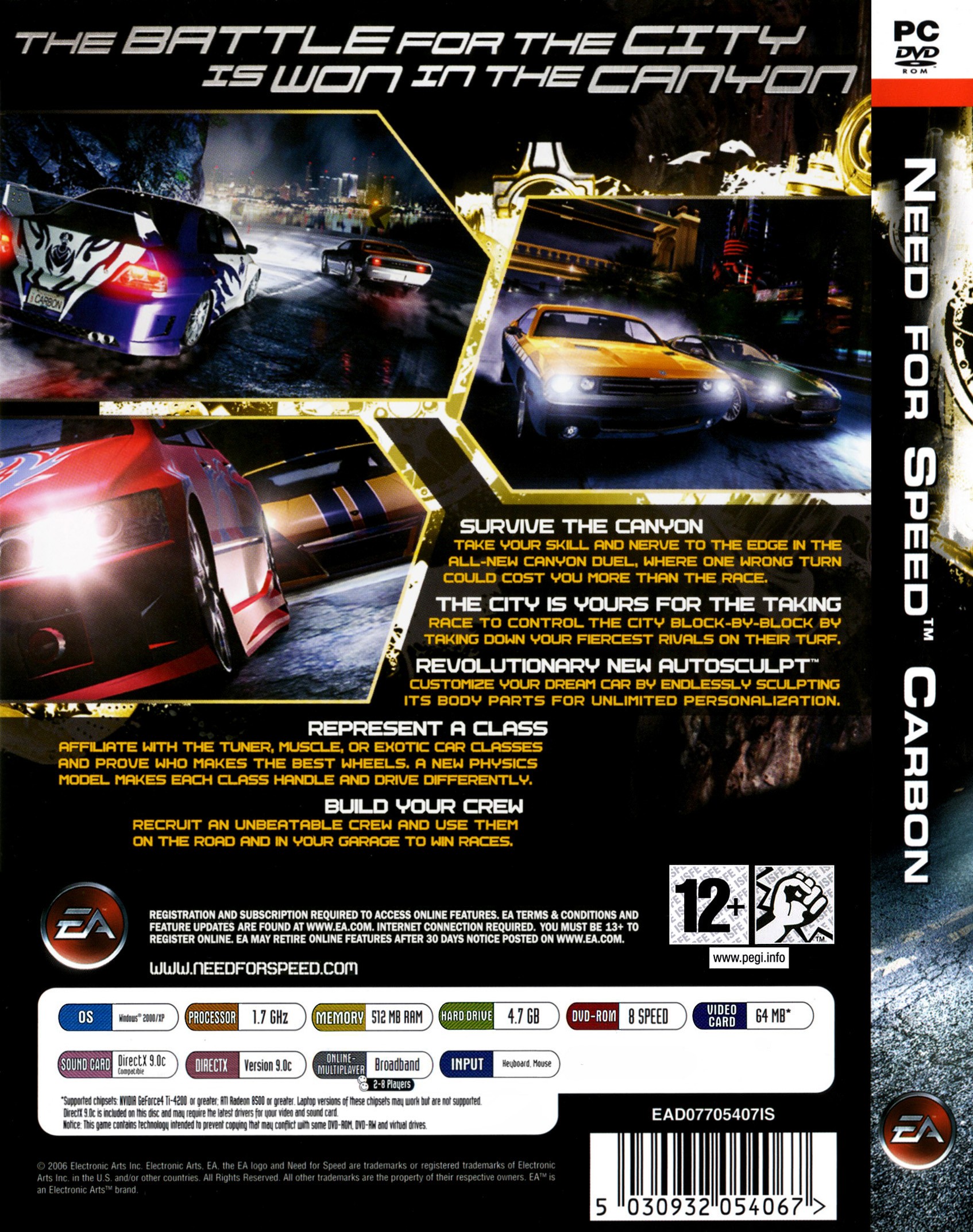
니드 포 스피드 카본 (Need for Speed Carbon)
Microsoft Windows · RedMagic 9 Pro · Winlator · 성능 등급 완벽
emulog 설정 해석
| 구성 | RedMagic 9 Pro + Winlator |
|---|---|
| 에뮬레이터 빌드 | 13.1.1 |
| 그래픽 드라이버 | [KIMCHI Turnip] v26.0.0 - Revision 4 |
| 기재된 설정 항목 | 14개 (기본값과 다르게 바꾼 항목 13개) |
| 성능 등급 | 완벽 |
기본값에서 조정된 항목: 오디오 드라이버, 평균 FPS, Box64 프리셋, Box64 버전, 컨트롤러 지원, 다운로드 크기.
등급 판단 근거
이 게임에 등급이 기재된 보고 6건 가운데 이 조합보다 높은 등급은 0건(0%), 같은 등급은 5건입니다. 동일 에뮬레이터(Winlator)로 다른 기기에서 올라온 보고는 4건입니다. 작성자 코멘트 원문은 665자입니다.
같은 에뮬레이터의 다른 기기 결과
- Retroid Pocket Flip 2 - SD — 완벽
- Samsung Galaxy S23 — 완벽
- Samsung Galaxy A25 5G — 완벽
- Xiaomi Poco F6 — 완벽
세팅값
| 항목 | 설정값 |
|---|---|
| 오디오 드라이버 | PulseAudio |
| 평균 FPS | 60 |
| Box64 프리셋 | Performance |
| Box64 버전 | 0.3.7 |
| 컨트롤러 지원 | 켜짐 |
| DX 래퍼 | DXVK |
| 다운로드 크기 | 5.34 GB |
| 에뮬레이터 버전 | 13.1.1 |
| 해상도 (화면 크기) | 3840x2160 |
| 시작 선택 | Essential (Load only essential services) |
| Turnip 드라이버 버전 | [KIMCHI Turnip] v26.0.0 - Revision 4 (배포 파일: Turnip_v26.0.0_R4.zip) |
| Wine 버전 | Proton 9.0-x86-64 |
| Winlator 포크 | official |
| YouTube | https://www.youtube.com/watch?v=Ui7fE2NdNdg |
작성자 코멘트(인용)
아래 코멘트는 EmuReady 사용자가 작성한 원문이며, emulog 은 한국어 번역과 위 해석만 추가했습니다.
🎮 인터랙티브 버전으로 열기주의: 와이드스크린과 컨트롤러 지원을 위해 2개의 모드가 필요합니다. winlator 시작 메뉴에서 dinput8을 builtin 대신 native로 설정해야 합니다. 시작 메뉴 → 시스템 도구 → wine 설정 → 라이브러리에서 dinput8을 찾아 편집, native 선택 후 확인, 적용을 클릭합니다. 작동하지 않으면 다시 시도하세요. 4K 최고 설정에서 거의 완벽한 60fps를 얻습니다. 영상에서 실수로 약 20fps를 잃었습니다. Ultrawide fix: https://github.com/ThirteenAG/WidescreenFixesPack/releases/tag/nfsc Controller fix: https://github.com/xan1242/NFS-XtendedInput/releases/tag/1.22
Note: You need 2 mods to add widescreen and controller support. You also need to set dinput8 to native over builtin in the winlator start menu. To do that, you need to go to the start menu, system tools, wine configuration, libraries, then scroll down until you see dinput8, select it and click edit, choose native over builtin, then click ok, then apply. If it doesn't work, you may need to try it again. 4K at max settings gets a near perfect 60fps. I made an error in my video and lost about 20fps. Ultrawide fix: https://github.com/ThirteenAG/WidescreenFixesPack/releases/tag/nfsc Controller fix: https://github.com/xan1242/NFS-XtendedInput/releases/tag/1.22