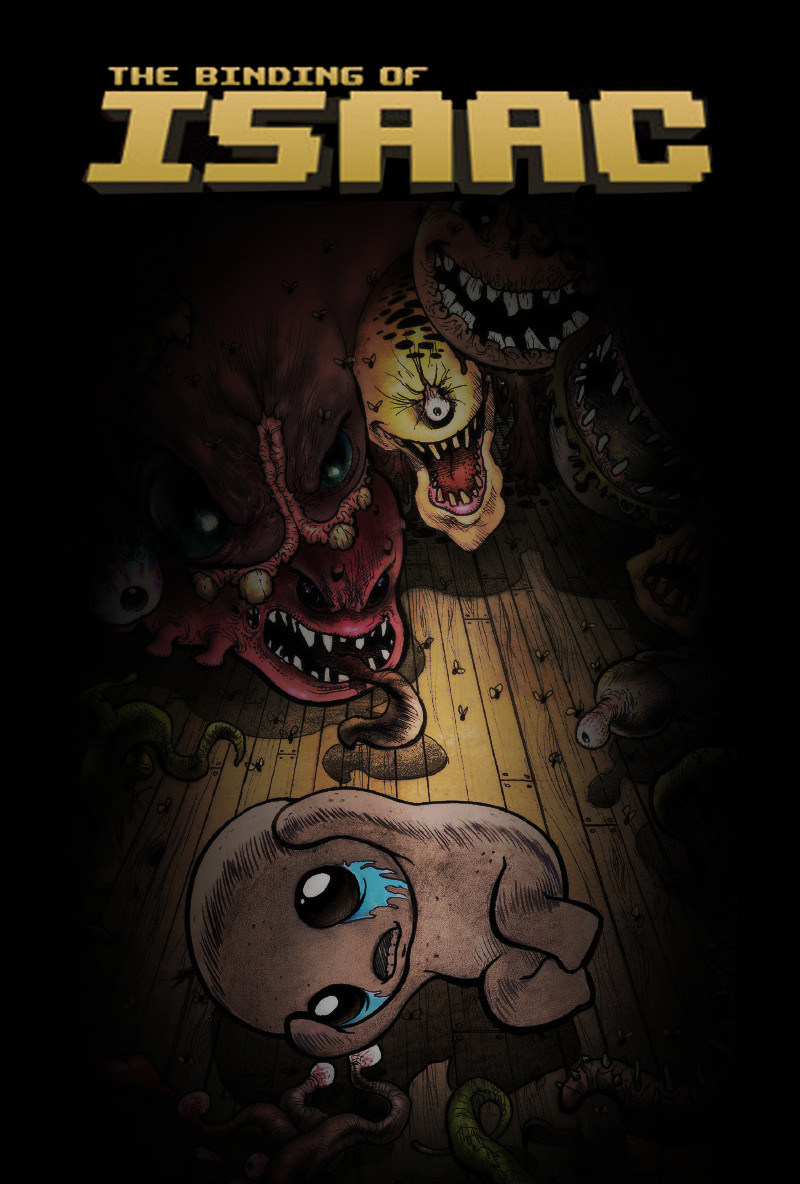
더 바인딩 오브 아이작: 리버스 (The Binding of Isaac: Rebirth)
Microsoft Windows · AYN Thor Max · GameNative · 성능 등급 완벽
emulog 설정 해석
| 구성 | AYN Thor Max + GameNative |
|---|---|
| 에뮬레이터 빌드 | v1.1.0 |
| 그래픽 드라이버 | [Mr. Purple Turnip] turnip_mrpurple_T28-toasted.adpkg |
| 기재된 설정 항목 | 25개 (기본값과 다르게 바꾼 항목 12개) |
| 성능 등급 | 완벽 |
기본값에서 조정된 항목: 에뮬레이터 버전, Wine 버전, 오디오 드라이버, 동적 드라이버 버전, 그래픽 드라이버, DXVK 버전.
등급 판단 근거
이 게임에 등급이 기재된 보고 24건 가운데 이 조합보다 높은 등급은 0건(0%), 같은 등급은 9건입니다. 동일 에뮬레이터(GameNative)로 다른 기기에서 올라온 보고는 8건입니다. 작성자 코멘트 원문은 936자입니다.
같은 에뮬레이터의 다른 기기 결과
- AYN Thor Max — 완벽
- Lenovo Legion Y700 Gen 3 — 완벽
- OnePlus 12R — 완벽
- AYN Thor Max — 완벽
- Retroid Pocket 5 — 훌륭함
세팅값
| 항목 | 설정값 |
|---|---|
| 컨테이너 변형 | bionic |
| 에뮬레이터 버전 | v1.1.0 |
| Wine 버전 | proton-11.0.-1-arm64ec-1 |
| 해상도 (화면 크기) | 1280x720 (16:9) |
| 오디오 드라이버 | pulse |
| Steam 유형 | normal |
| 동적 드라이버 버전 | [Mr. Purple Turnip] turnip_mrpurple_T28-toasted.adpkg (배포 파일: turnip_mrpurple_T28-toasted.adpkg.zip) |
| 그래픽 드라이버 | Turnip (Adreno) |
| DX 래퍼 | DXVK |
| DXVK 버전 | async-1.10.3 |
| 최대 장치 메모리 | 0 |
| Adrenotools Turnip 사용 | 켜짐 |
| 시작 선택 | Essential (Load only essential services) |
| 32비트 에뮬레이터 | fex |
| 64비트 에뮬레이터 | fex |
| Box64 버전 | 0.3.6 |
| Box64 프리셋 | performance |
| FEXCore 버전 | 2607 |
| FEXCore 프리셋 | performance |
| DirectInput 매퍼 유형 | standard |
| DirectInput API 활성화 | 켜짐 |
| XInput API 활성화 | 켜짐 |
| Steam Input 사용 | 꺼짐 |
| 게임 버전 | v1.9.7.17 (Repentance+ - All DLCs) |
| 평균 FPS | 60-120 fps |
작성자 코멘트(인용)
아래 코멘트는 EmuReady 사용자가 작성한 원문이며, emulog 은 한국어 번역과 위 해석만 추가했습니다.
최근까지 GameNative에서 작동하지 않았습니다. 문제는 fps가 자동으로 120fps까지 해제된다는 점인데, 제게는 굳이 필요하지 않습니다. - **60fps로 제한하여 배터리를 절약하려면**, Display Renderer를 Vulkan 대신 GL로 변경해야 했습니다. 조사한 바에 따르면 이 게임은 OpenGL에서 구동되므로, MANGOHUD를 사용하더라도 DXVK / VKD3D 프레임 속도 설정이 적용되지 않습니다. GameNative 퀵 메뉴의 fps 제한 기능도 이 게임에서는 전혀 작동하지 않습니다. - **모드를 사용하려면**, steam workshop/gamebanana 등에서 모드를 다운로드하여 sd 카드/내부 드라이브 폴더에 복사한 뒤, config에서 드라이브 문자를 추가하고 게임을 한 번 실행한 후 A 드라이브의 "mods" 폴더에 복사 및 붙여넣기 하세요. - **steam workshop 모드의 경우**, 모든 폴더에 숫자와 함께 언더바(예: _123456789)가 붙어 있습니다. 이를 삭제하지 않으면 게임이 자동으로 모든 모드를 삭제합니다.
This didn't use to work for me on GameNative until recently. My issue is that it's fps is kind of unlocked to 120fps automatically, which I don't really need. - **To cap it at 60fps & save battery**, I had to switch the Display Renderer to GL instead of Vulkan. The game runs on OpenGL (from what I researched) so DXVK / VKD3D Frame rate configs won't work even with MANGOHUD. The GameNative quick menu fps limit doesn't work at all in this game. - **if you want mods**, you need to download them from the steam workshop/gamebanana or where ever you get your mods, copy them into a folder on your sd card/internal drive, add a Drive letter in the config, copy & past them into the "mods" folder in the A drive after launching the game once. - **if the mod is from the steam workshop**, every folder will have an extra underscore with numbers (ex: _123456789), delete them, or else the game will automatically uninstall all the mods