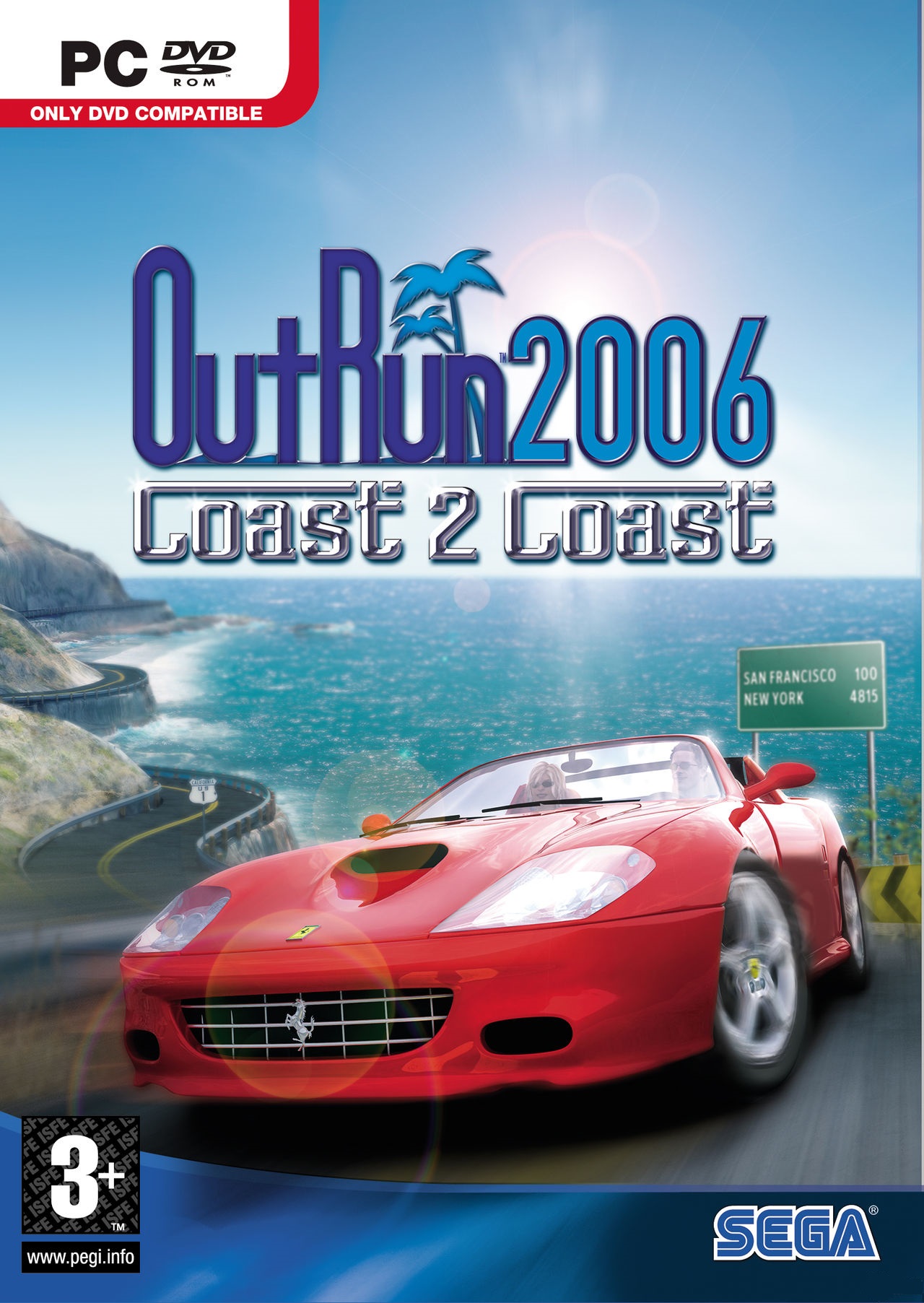
아웃런 2006: 코스트 2 코스트 (OutRun 2006: Coast 2 Coast)
Microsoft Windows · AYN Odin 2 Portal Max · Winlator · 성능 등급 완벽
emulog 설정 해석
| 구성 | AYN Odin 2 Portal Max + Winlator |
|---|---|
| 에뮬레이터 빌드 | 10.0 Final V4.1 |
| 기재된 설정 항목 | 16개 (기본값과 다르게 바꾼 항목 13개) |
| 성능 등급 | 완벽 |
기본값에서 조정된 항목: 평균 FPS, Box64 프리셋, Box64 버전, 컨트롤러 지원, DX Wrapper 설정 (버전, 프레임 속도, 최대 메모리), 다운로드 크기.
등급 판단 근거
이 게임에 등급이 기재된 보고 5건 가운데 이 조합보다 높은 등급은 0건(0%), 같은 등급은 4건입니다. 작성자 코멘트 원문은 2,131자입니다.
세팅값
| 항목 | 설정값 |
|---|---|
| 오디오 드라이버 | ALSA |
| 평균 FPS | 60 |
| Box64 프리셋 | Performance |
| Box64 버전 | 0.3.5 |
| 컨트롤러 지원 | 켜짐 |
| DX 래퍼 | DXVK |
| DX Wrapper 설정 (버전, 프레임 속도, 최대 메모리) | 2.7.4 |
| 다운로드 크기 | 4 GB |
| 에뮬레이터 버전 | 10.0 Final V4.1 |
| 환경 변수 | WINEDLLOVERRIDES="dinput8=n,b" |
| 그래픽 드라이버 | Turnip (Adreno) |
| 해상도 (화면 크기) | 1920x1080 |
| 스크린샷, 블로그 게시물 등 | https://imgur.com/a/IGHH9Fb |
| 시작 선택 | Aggressive (Stop services on startup) |
| Wine 버전 | 9.2 (Custom) |
| Winlator 포크 | frost_glibc |
작성자 코멘트(인용)
아래 코멘트는 EmuReady 사용자가 작성한 원문이며, emulog 은 한국어 번역과 위 해석만 추가했습니다.
🎮 인터랙티브 버전으로 열기Portal은 Xbox 입력 모드와 성능 전원 모드에 있습니다. OutRun2006Tweaks 패키지를 사용하면 1080p HD 텍스처와 빠른 로딩으로 60FPS를 부드럽게 구동할 수 있습니다. OR2006을 좋아한다면 설정할 가치가 있습니다. 다운로드: - https://github.com/emoose/OutRun2006Tweaks/releases - https://github.com/envido32/OR2006Sprites/releases - https://aka.ms/vs/17/release/vc_redist.x86.exe OR2006C2C 설정: 1. OR2006C2C 게임 설치/압축 해제 2. OutRun2006Tweaks를 OR2006C2C 설치 폴더에 압축 해제 3. OR2006Sprites를 같은 폴더에 압축 해제 4. 아래 두 .ini 파일 수정 5. OR2006C2C 폴더를 Winlator 데이터 폴더(D: 등)로 복사 outrun2006.ini 내용: ``` LANGUAGE = 0 DX/ADAPTER = 0 DX/RES/WIDTH = 1920 DX/RES/HEIGHT = 1080 DX/ANTIALIASING = 2 DX/WINDOWED = 1 DX/FOG = 1 ``` OutRun2006Tweaks.ini 변경: ``` FramerateLimitMode = 1 FramerateFastLoad = 3 VSync = 0 SingleCoreAffinity = false DrawDistanceIncrease = 8 DisableDPIScaling = false SkipIntroLogos = true ``` 새 트랙 로드 시 끊김이 있으면 EnableTextureCache = false 로 설정. Winlator 설정: 1. vc_redist.x86.exe를 컨테이너에서 실행 가능한 위치에 복사 2. 컨테이너 실행 후 Microsoft Visual C++ 2015-2022 Runtime 설치 3. 컨테이너 시작 메뉴 → **Fixes > Wine 9.x and 10.x Fixes > Restore original xinput** 실행 (컨트롤러 문제 해결) 4. 컨테이너 파일 탐색기로 OR2006C2C.exe 바로가기 생성 5. 컨테이너 종료 6. Winlator 바로가기 화면에서 OR2006C2C 바로가기를 편집하고: - 환경 변수 **WINEDLLOVERRIDES** = **dinput8=n,b** 추가 (OutRun2006Tweaks 작동) - **Preferred Input API**를 **Auto** 로 설정
Portal is in Xbox input mode and Performance power mode. Using the OutRun2006Tweaks package the game can run at a smooth 60 FPS at 1080p with HD textures and fast load times. If you love OR2006, it's worth the setup! Download the latest version of OutRun2006Tweaks package, their recommended OR2006Sprites texture pack, and the latest version of the Microsoft Visual C++ 2015-2022 Runtime: - https://github.com/emoose/OutRun2006Tweaks/releases - https://github.com/envido32/OR2006Sprites/releases - https://aka.ms/vs/17/release/vc_redist.x86.exe First configure OR2006C2C: 1. Install/extract the OR2006C2C game. 1. Extract OutRun2006Tweaks package to your OR2006C2C install folder. 1. Extract the OR2006Sprites package into your OR2006C2C install folder. 1. Edit the two .ini files below. 1. Copy the OR2006C2C game folder to your Winlator data folder. Mine is the D: drive, and it's pointing to my internal storage. Replace the content of outrun2006.ini with the following: ``` LANGUAGE = 0 DX/ADAPTER = 0 DX/RES/WIDTH = 1920 DX/RES/HEIGHT = 1080 DX/ANTIALIASING = 2 DX/WINDOWED = 1 DX/FOG = 1 ``` Change these values from the default in OutRun2006Tweaks.ini: ``` FramerateLimitMode = 1 FramerateFastLoad = 3 VSync = 0 SingleCoreAffinity = false DrawDistanceIncrease = 8 DisableDPIScaling = false SkipIntroLogos = true ``` If you get stutter loading new track sections, try setting EnableTextureCache = false. Next configure Winlator: 1. Copy the vc_redist.x86.exe somewhere it can be run in your Winlator container. 1. Run your Winlator container and install the Microsoft Visual C++ 2015-2022 Runtime. 1. From the Start Menu in the container, run the **Fixes > Wine 9.x and 10.x Fixes > Restore original xinput** script. This will fix the controller not working. 1. Create a shortcut to the OR2006C2C.exe file using the File Explorer in the container. 1. Exit the container. 1. In the Winlator Shortcuts screen, edit the OR2006C2C shortcut and: - Create environemnt variable **WINEDLLOVERRIDES** and set to **dinput8=n,b**. This will allow OutRun2006Tweaks to work. - Set **Preferred Input API** to **Auto**